How to sort and group emails

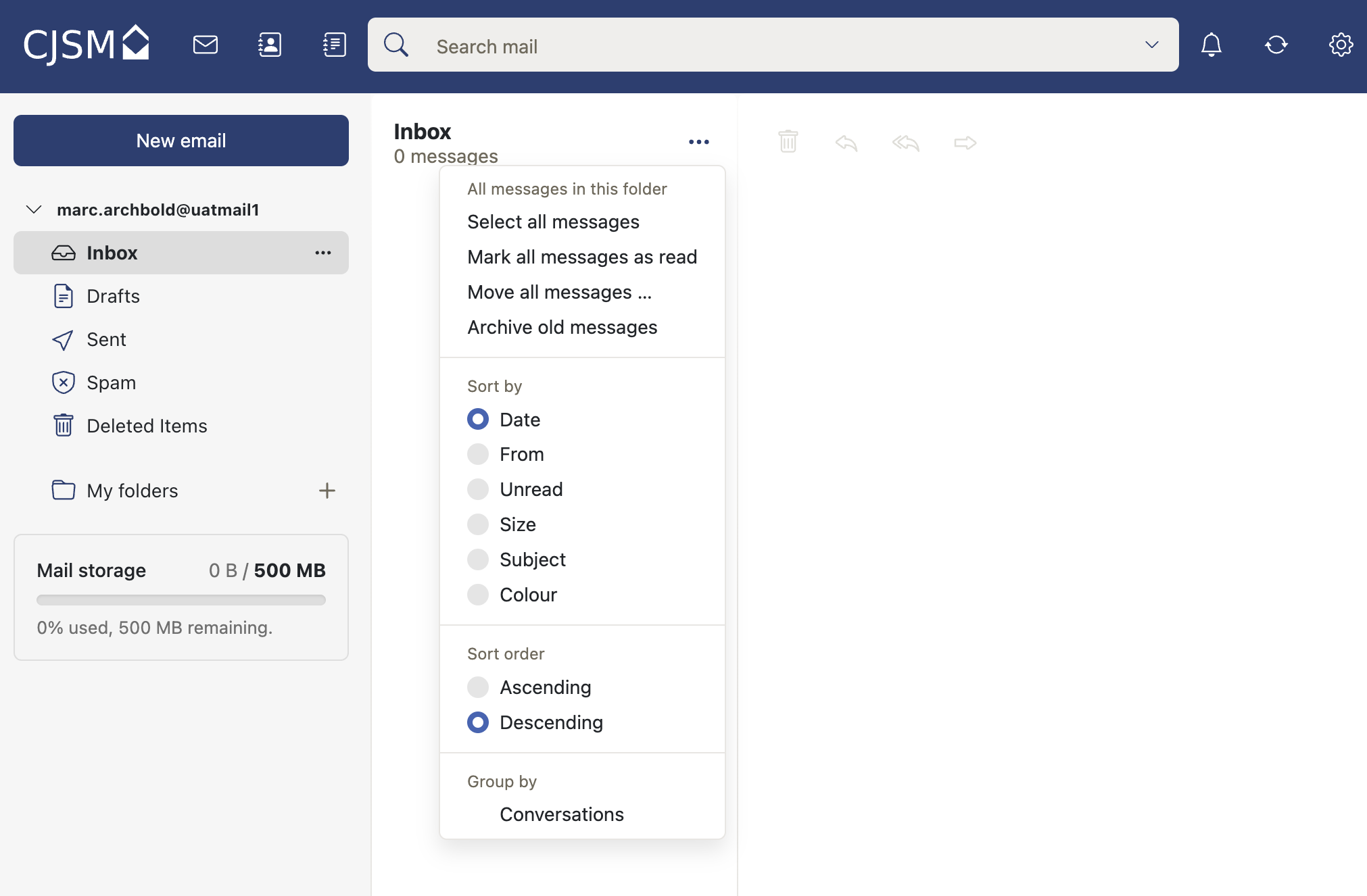
A guide on how to sort or group emails from either an inbox, drafts, sent, spam, deleted items or added folders.
Steps
- Login to webmail.
- Select the inbox or other required folder.
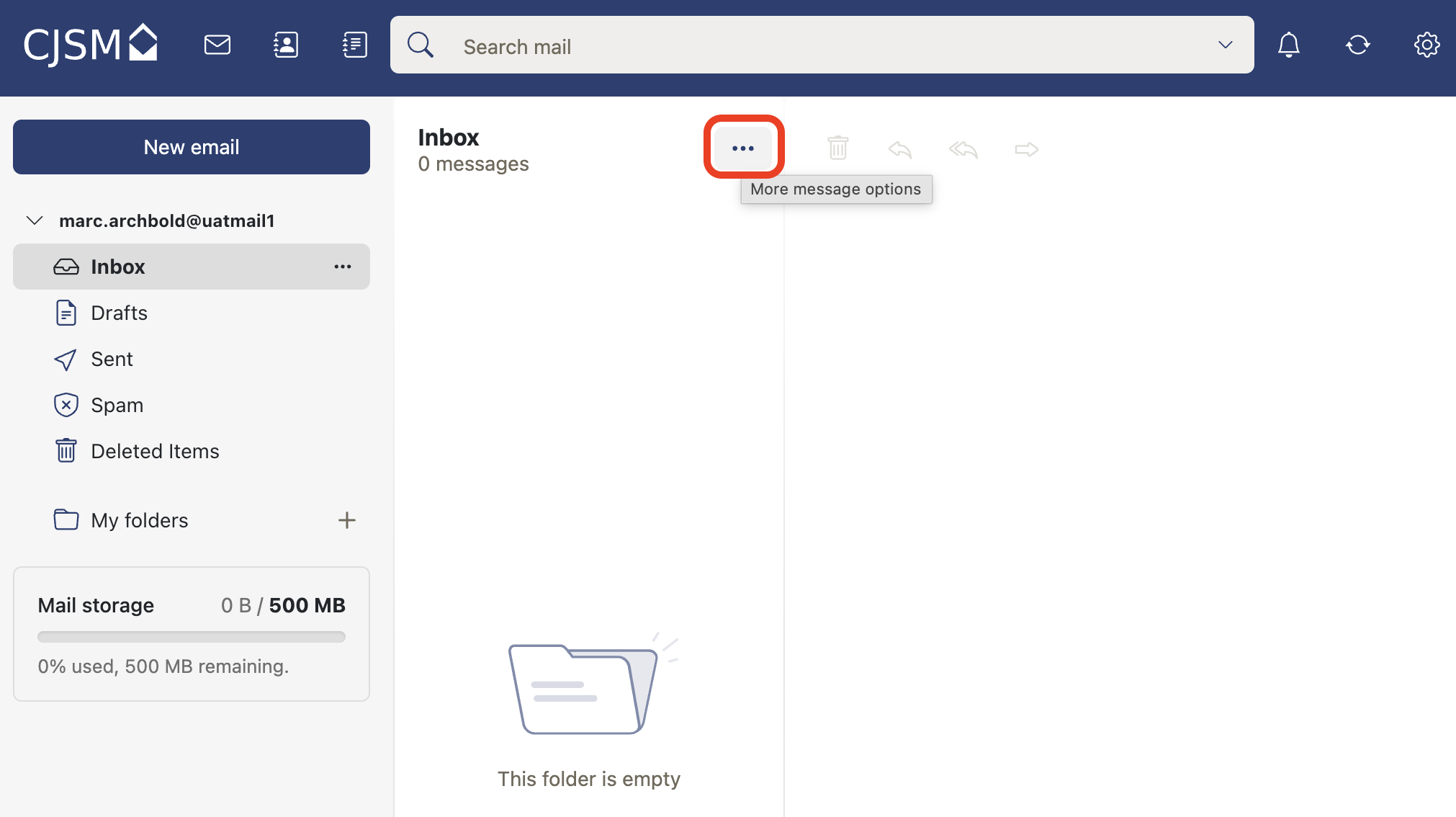
- Select the 3 dots.
- From the dropdown menu you can sort, order or group emails by conversation (threads) and select, archive and mark all emails as read.