Background ( )
A webmail user wishes to set a default signature when composing and responding to emails
1. Login to webmail ( )
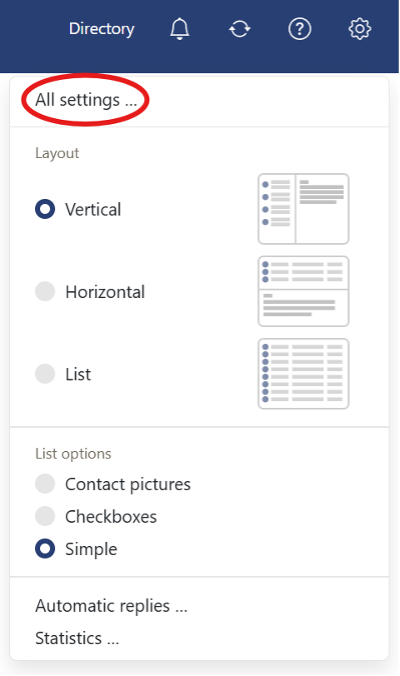
2. In the top right hand, select the Settings cog ( )

3. Select All settings… ( )
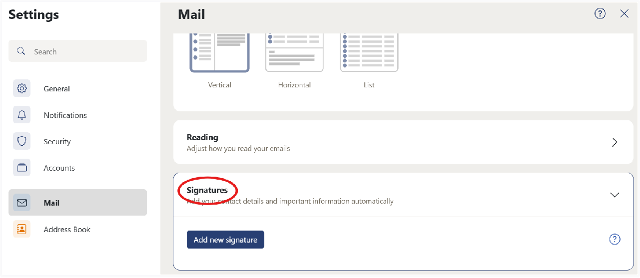
4. Select Signatures then Add new signature ( )
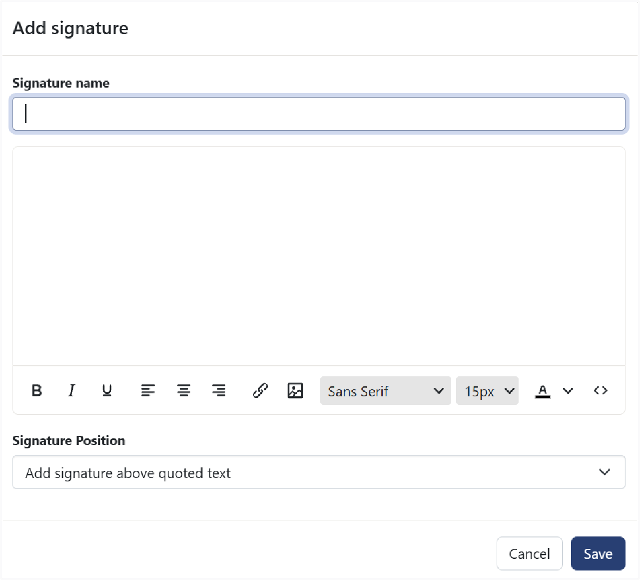
5. Give your signature a name. This form allows you to provide a rich format of signature ( )