
How to add and adjust email settings and rules including language and time zone

A guide for webmail users who wish to adjust their CJSM settings:
- General
- Notifications
- Security
- Accounts
- Address Book
Steps
- Login to webmail.
- Select the settings icon.

- Select All settings.
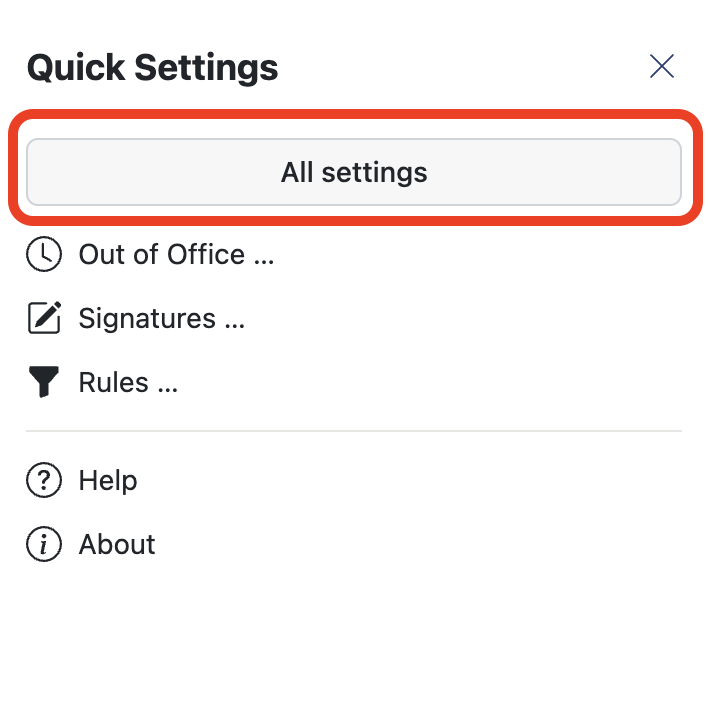
- Select the required area:
- General:
Language & Time zone, Keyboard shortcuts. - Notifications:
Desktop notifications, notification area settings, mail notification settings. - Security:
Your devices currently signed in and sign out from all devices option. - Accounts:
Edit account name, Your shared accounts. - E-mail:
Layout, reading settings, compose and reply rules, add email templates, incoming email rules, folder settings or advanced settings such as read receipts, automatic email address collection, BCC recipient settings. - Address Book:
- Names format, link postal address with map service, auto delete settings.
- General: