
How to set an email signature

A guide on how to set an email signature.
Steps
1. Login to webmail.
2. In the top right hand, click the ‘Settings cog’.

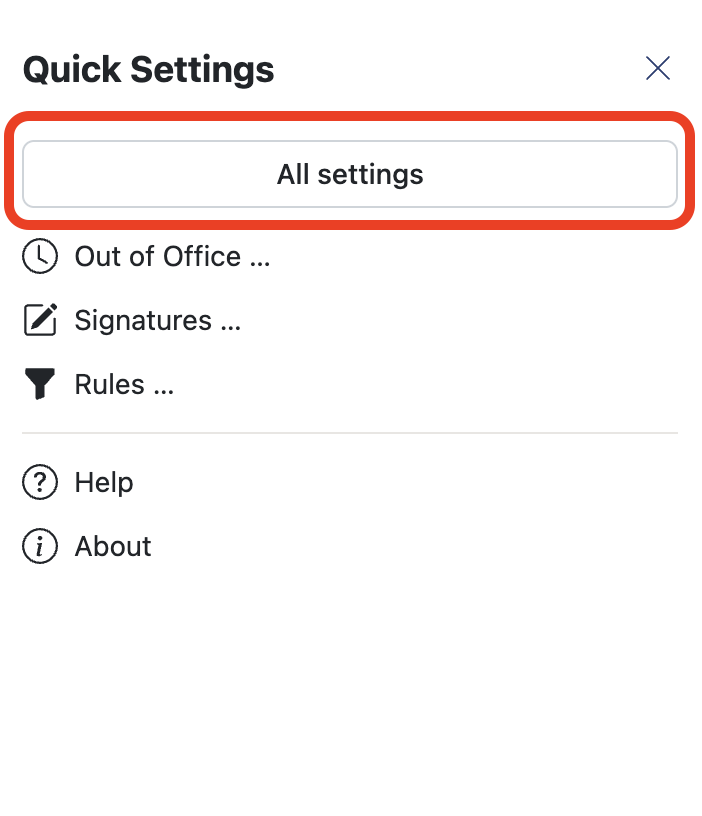
3. Click ‘All settings’.
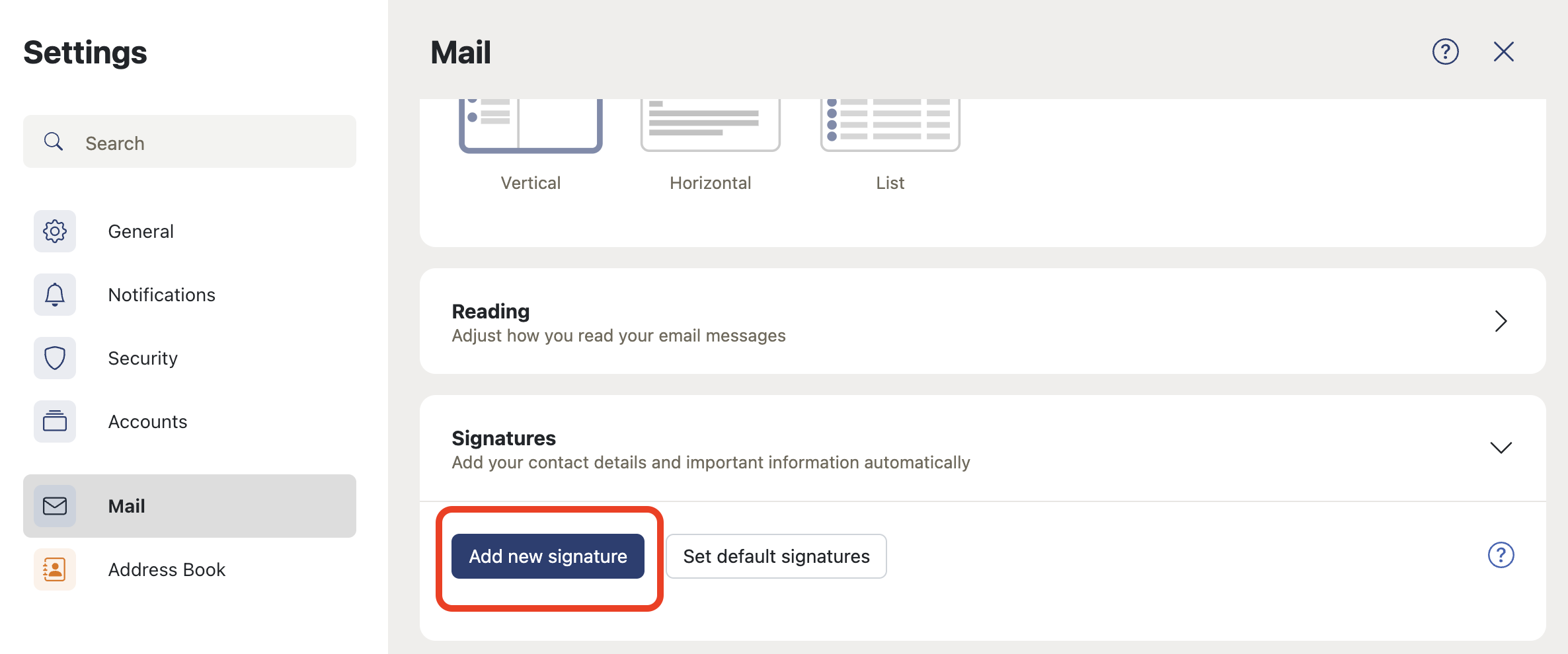
4. Click ‘Signatures’ then ‘Add new signature’.
5. Give your signature a name. This form allows you to provide a rich format of signature.
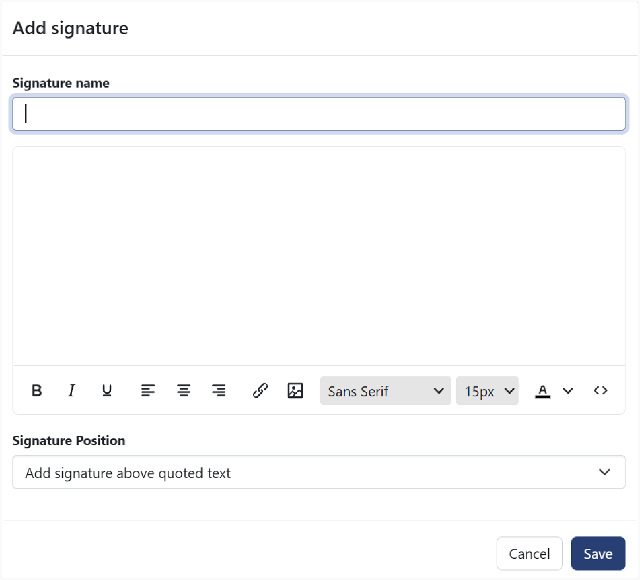
- Select Save.