
Edit your personal email address

This guide explains how to update your personal email address in your CJSM account.
Steps
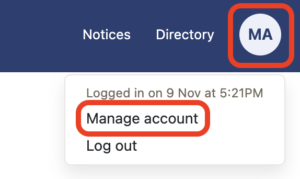
- Click the ‘My account’ icon in the top right of the CJSM dashboard, then click ‘Manage account’.
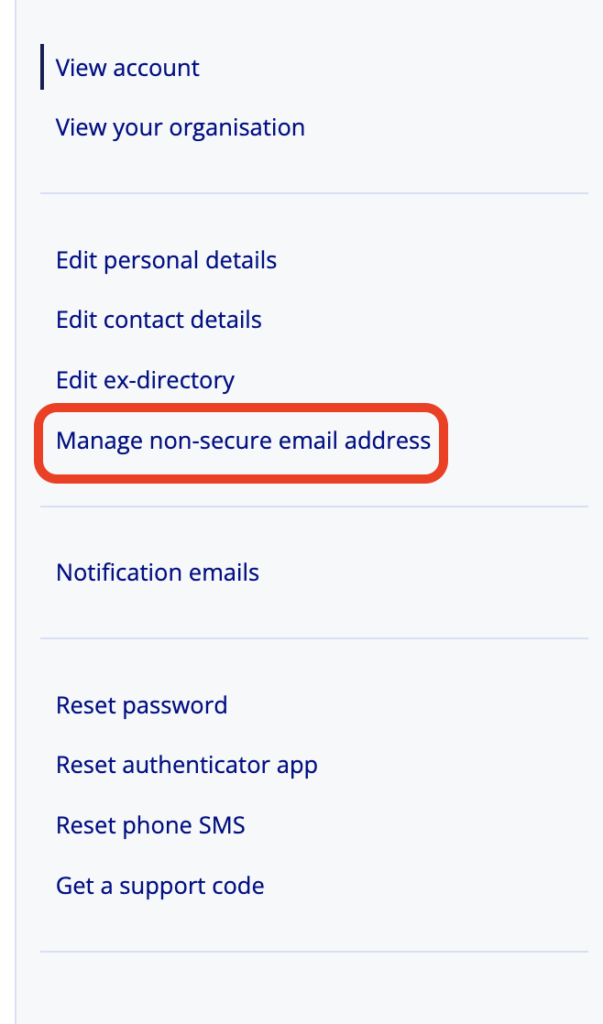
- Click’Manage non-secure email email address’.
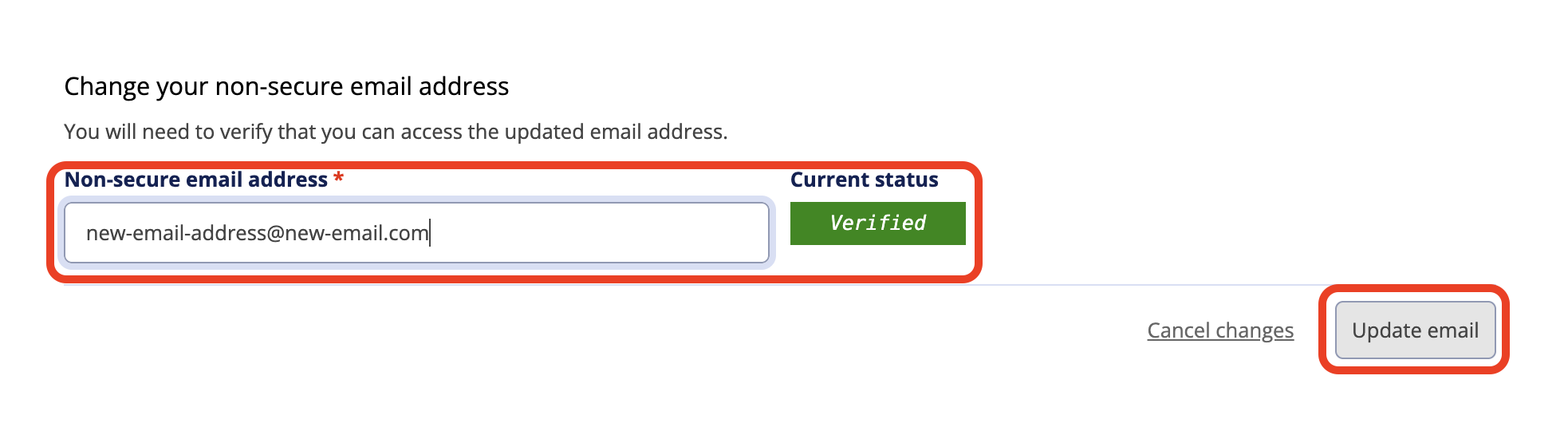
- Update your personal email address and cleck the ‘Update email’ button.
- Click the ‘Verify email’ button to verify the new address.

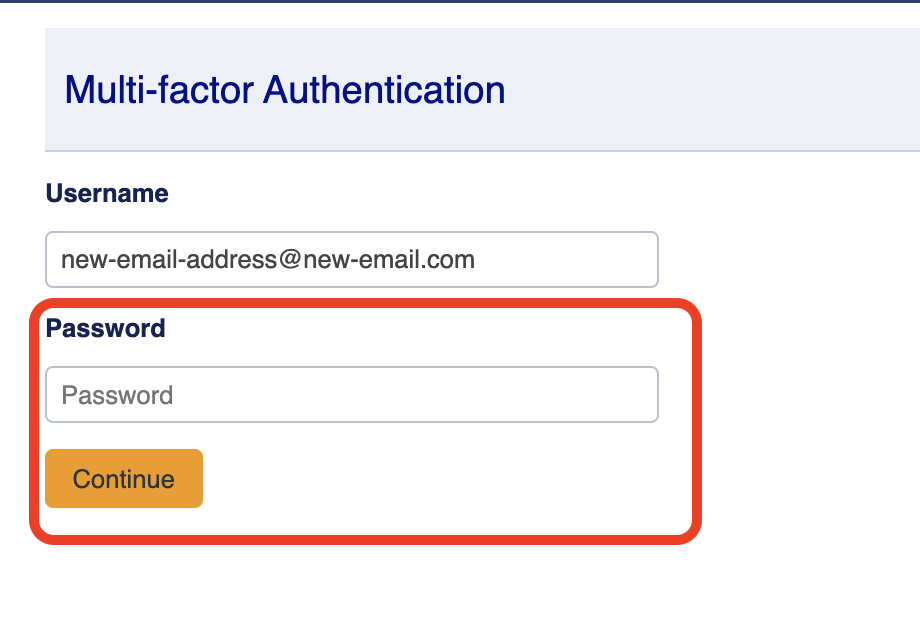
- Enter your password and click ‘Continue’.
- Enter your authenticator app code and click ‘Verify’.
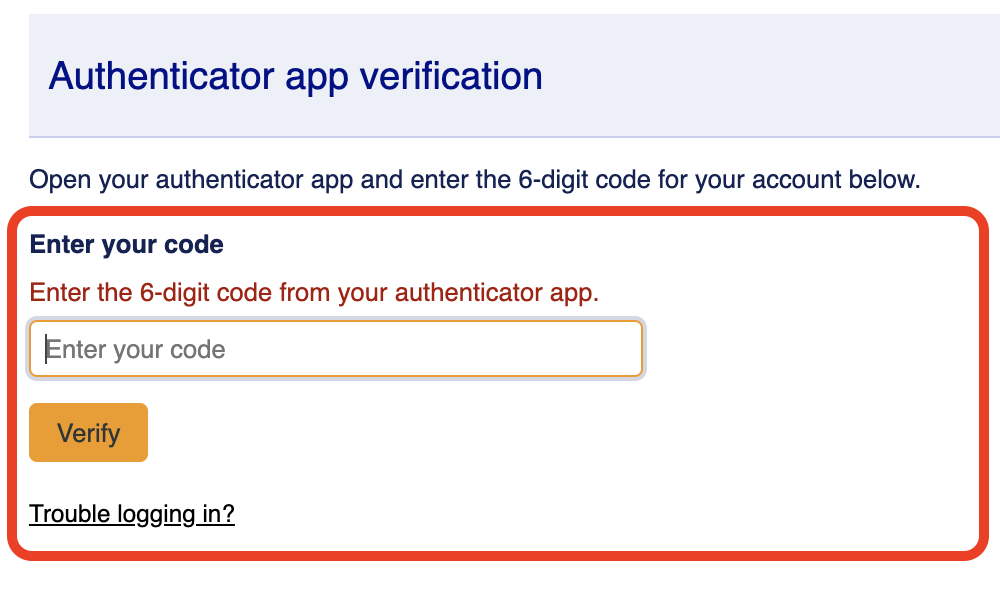
- Enter the 6-digit code that has been sent to your new non-CJSM email.
- Your current status should now show as ‘Verified’.
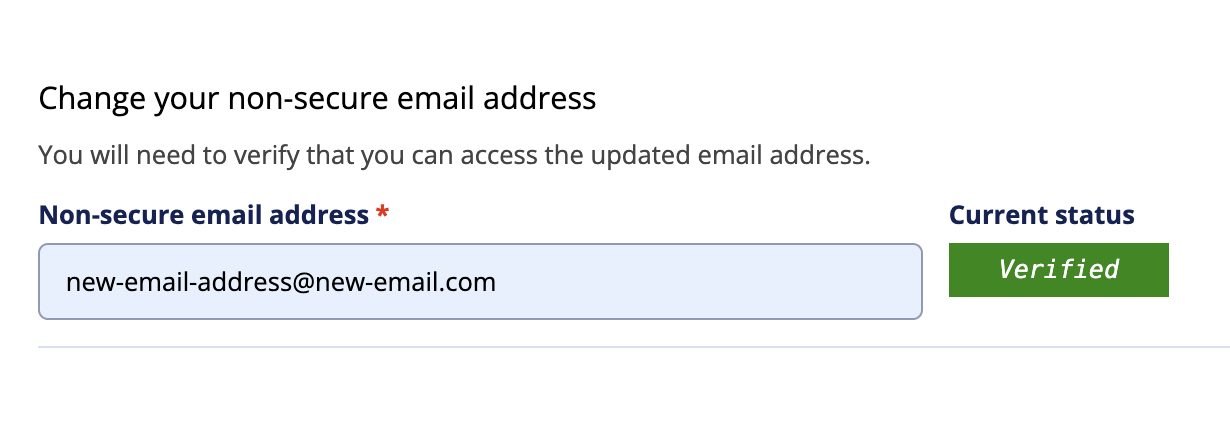
- You will also receive a email to your old non-CJSM email address confirming the change of address.