Resetting your CJSM password

A guide for users on how to reset their CJSM password.
Important
If you suspect your account has been compromised please contact your CJSM administrator immediately.
Steps
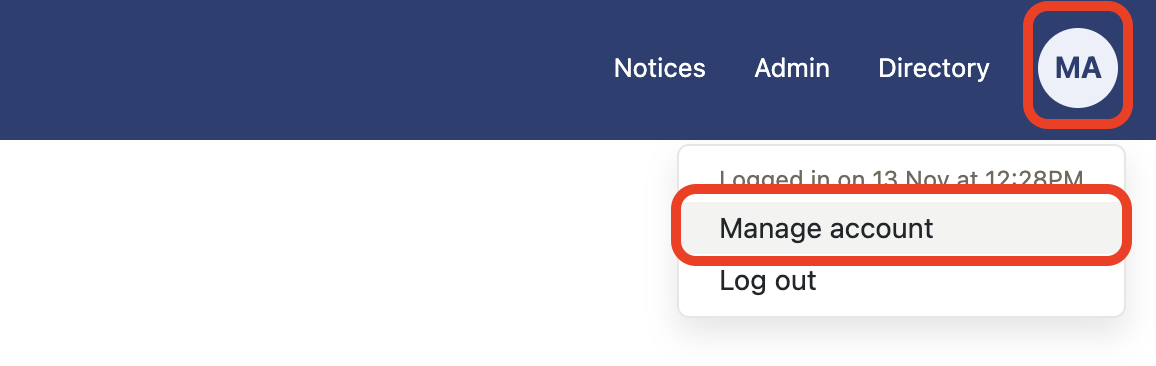
- Select Manage account from My account.
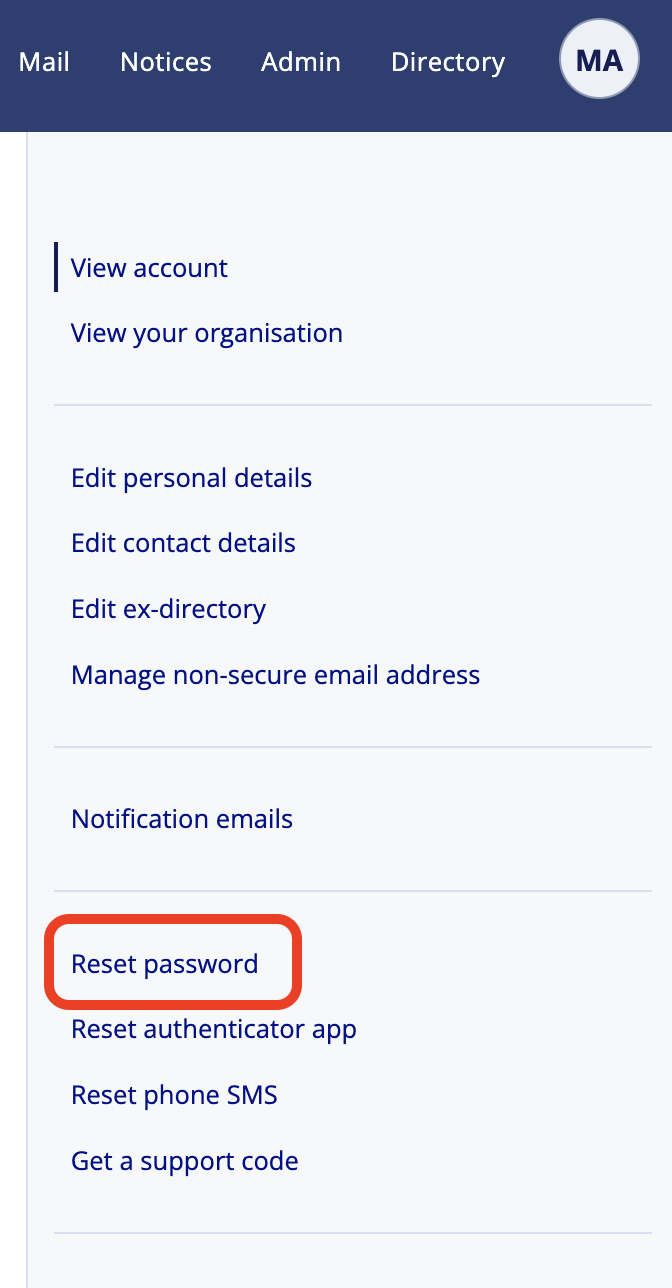
- Select Reset password.
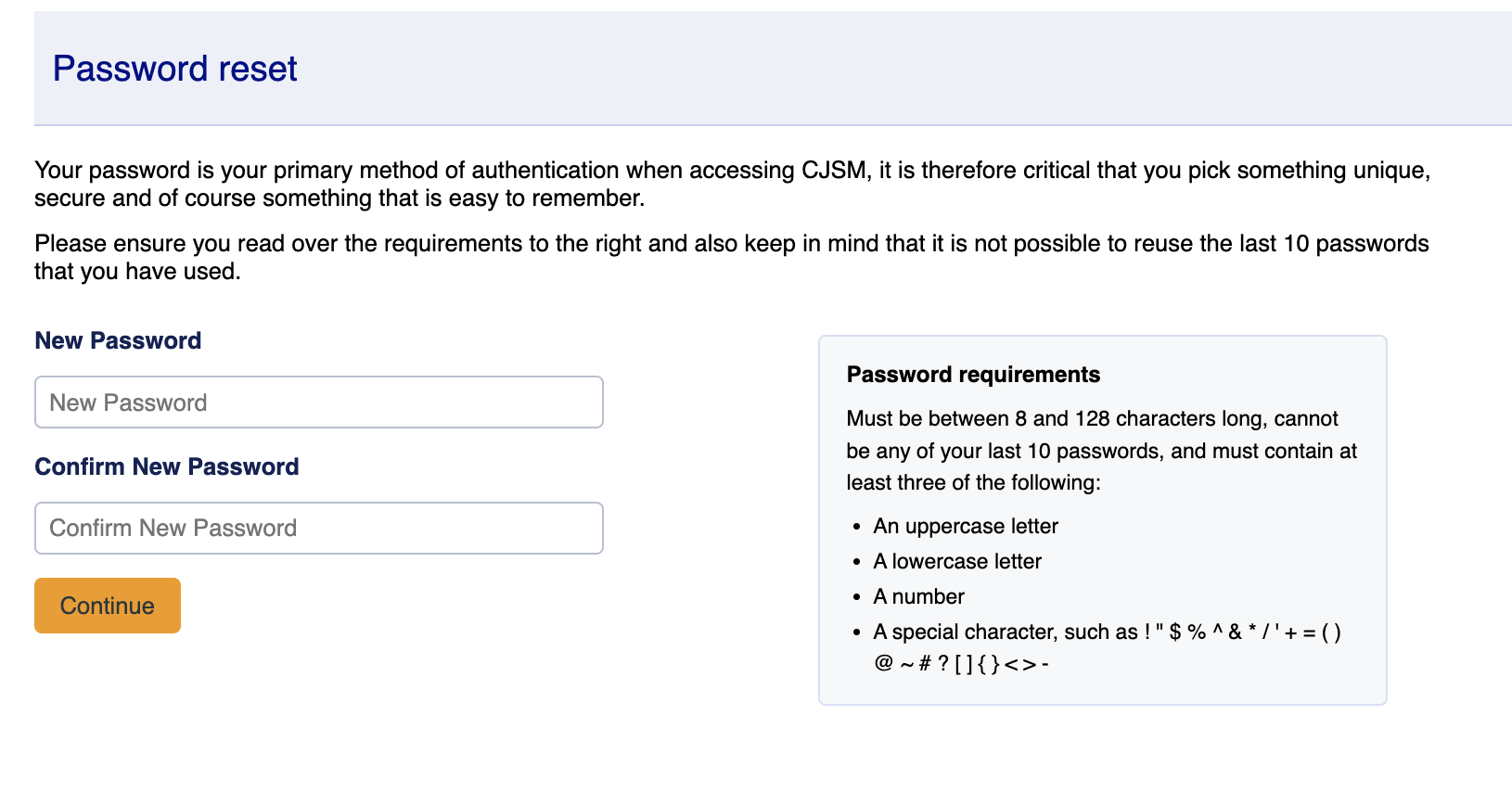
- Select Reset password button.
- Enter your Authenticator app code.
- Enter your new password and confirm – remember to take note of the password requirements.
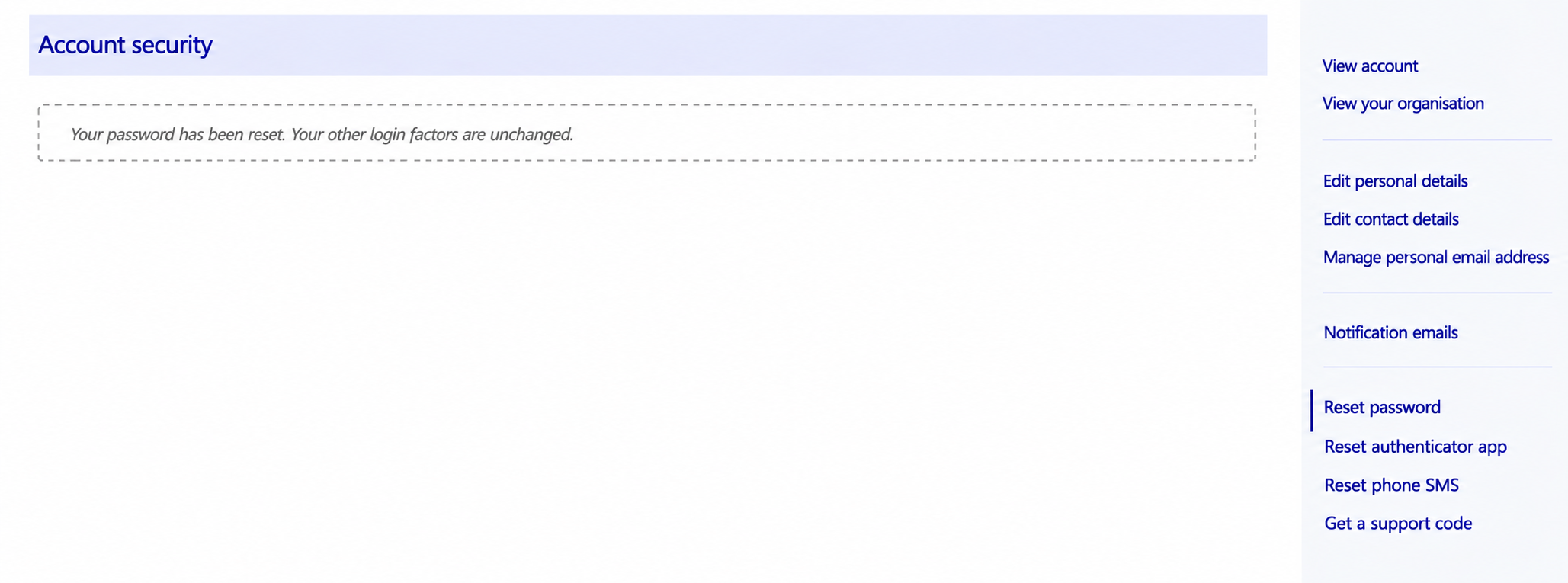
- Your password has been reset. Your other login factors are unchanged. You remain logged in but will need your new password on next login.