Resetting your phone SMS

A guide for users on how to reset their own phone SMS number from their own account.
Important
If you suspect your account has been compromised please contact your CJSM administrator immediately.
Steps
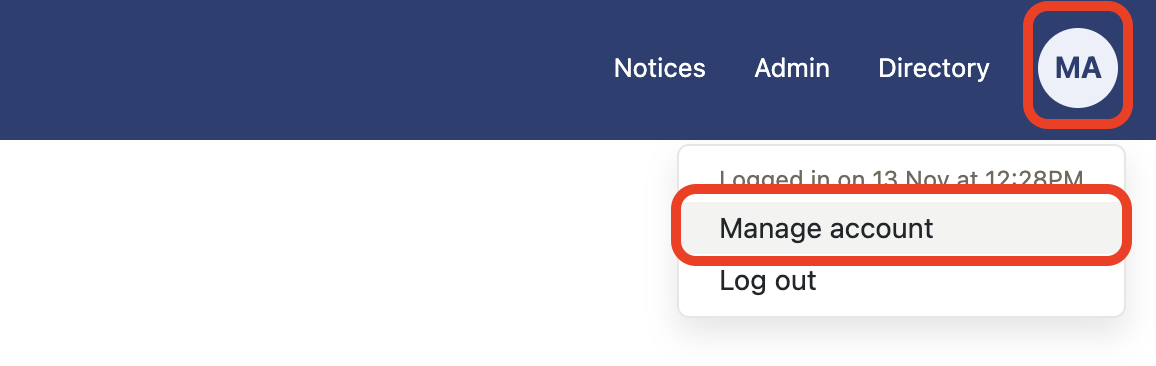
- Select Manage account from My account.
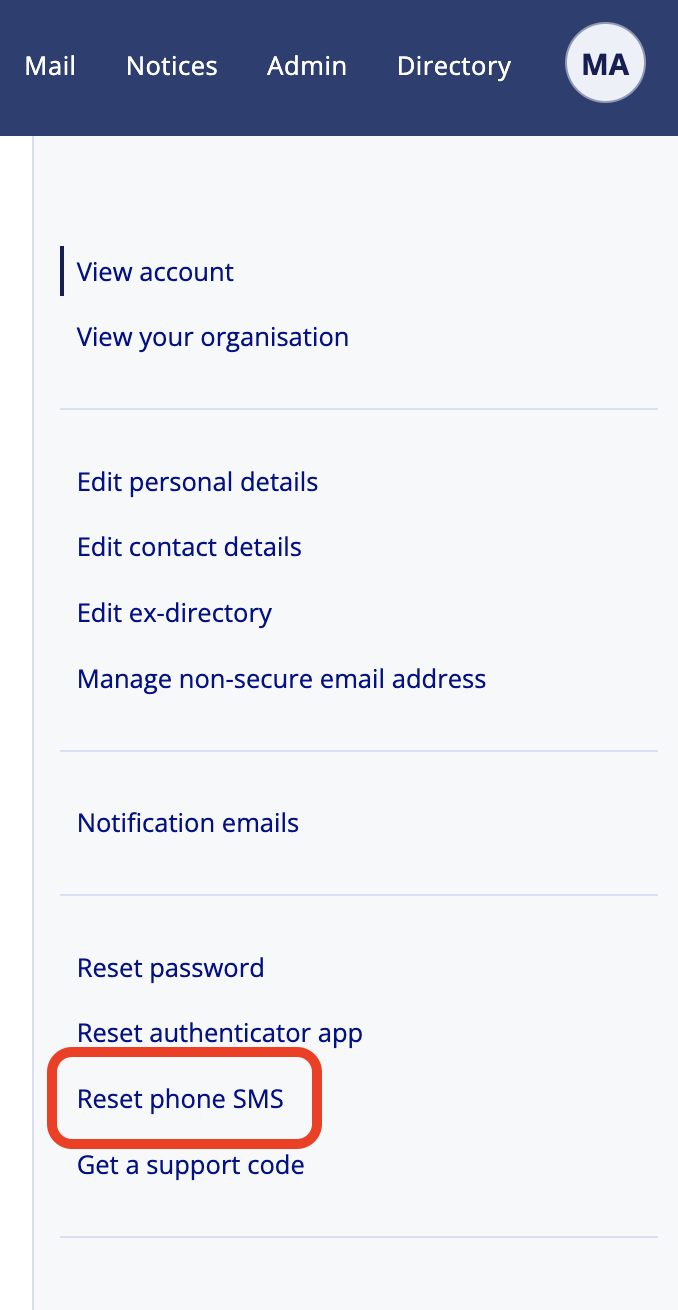
- Select Reset phone SMS.
- Select Reset phone SMS codes button.
- Enter your Password and continue.
- Enter your Authenticator app code.
- Set up your new SMS verification number and select Send verification code button.
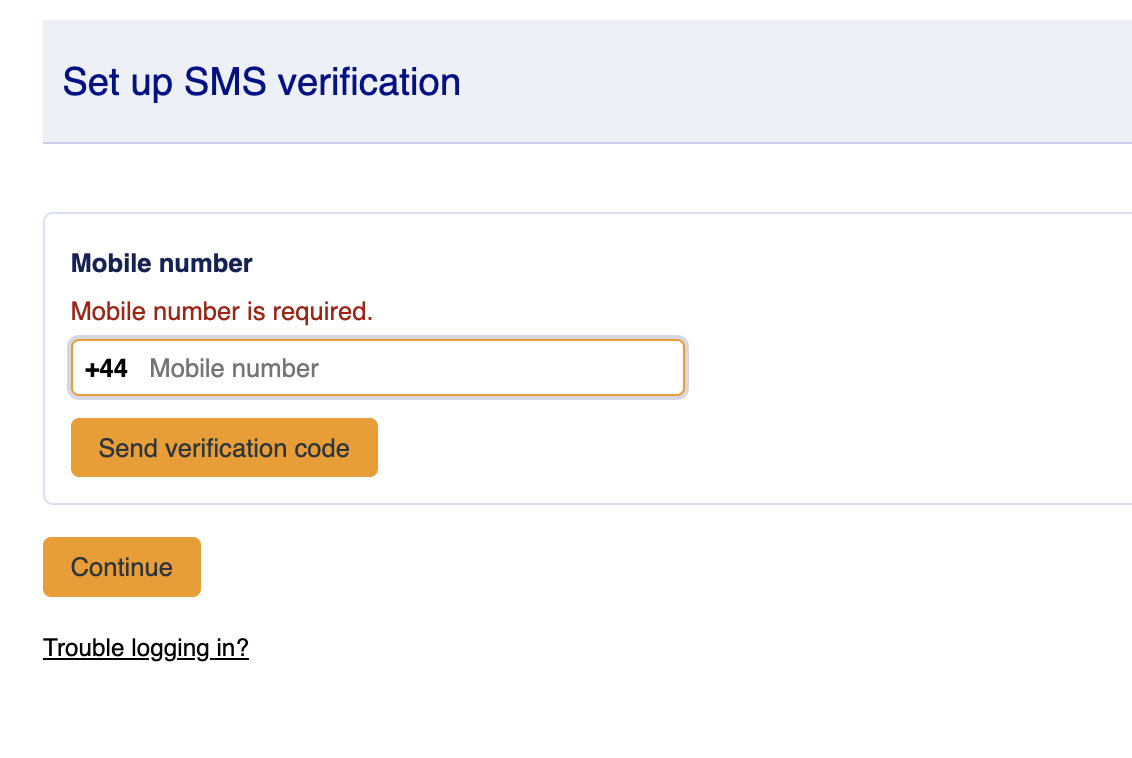
- Enter your new code and select Verify code
- Select continue
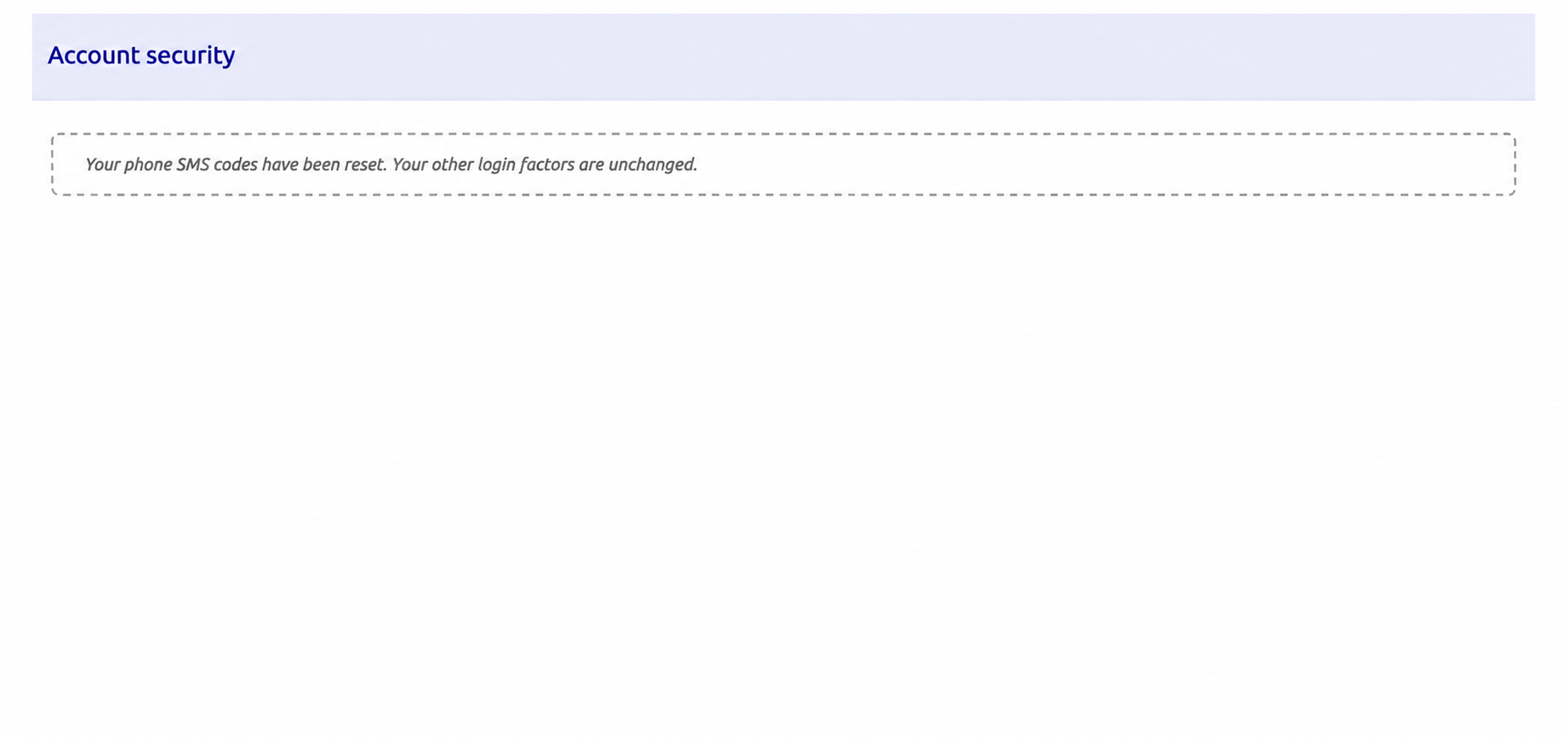
- Your SMS verification number has now been updated and will need to use the new SMS number for future access