
Resetting your authenticator app

A guide on how a user can reset reset their own authenticator app from their own account.
Important
If you suspect your account has been compromised please contact your CJSM administrator immediately.
Steps
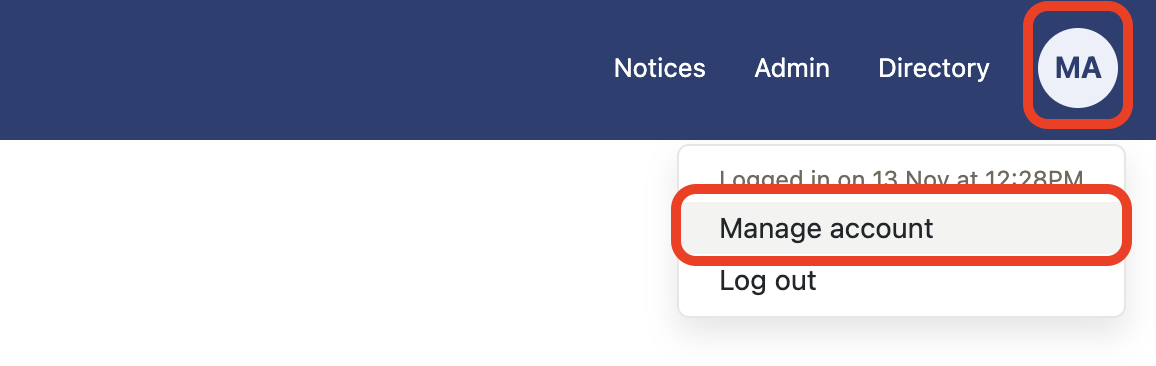
- Select Manage account from My account.
- Select Reset authenticator app.
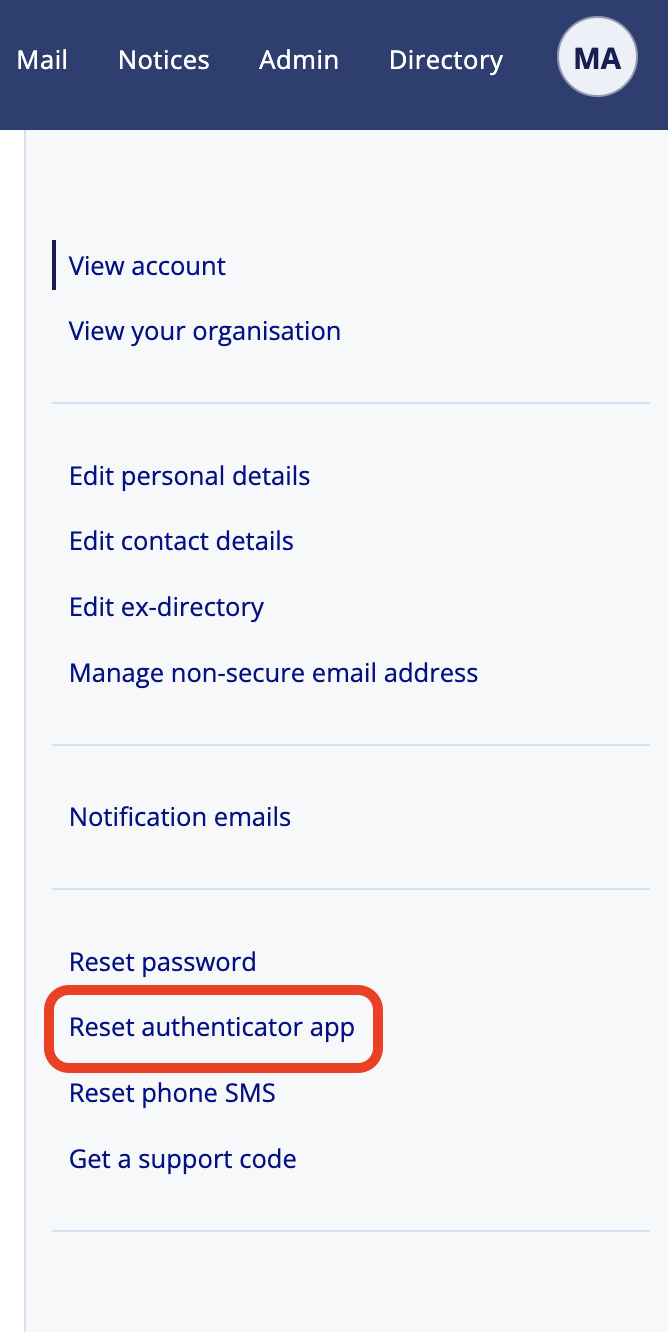
- Select Reset authenticator app button.
- Enter your Password and continue.
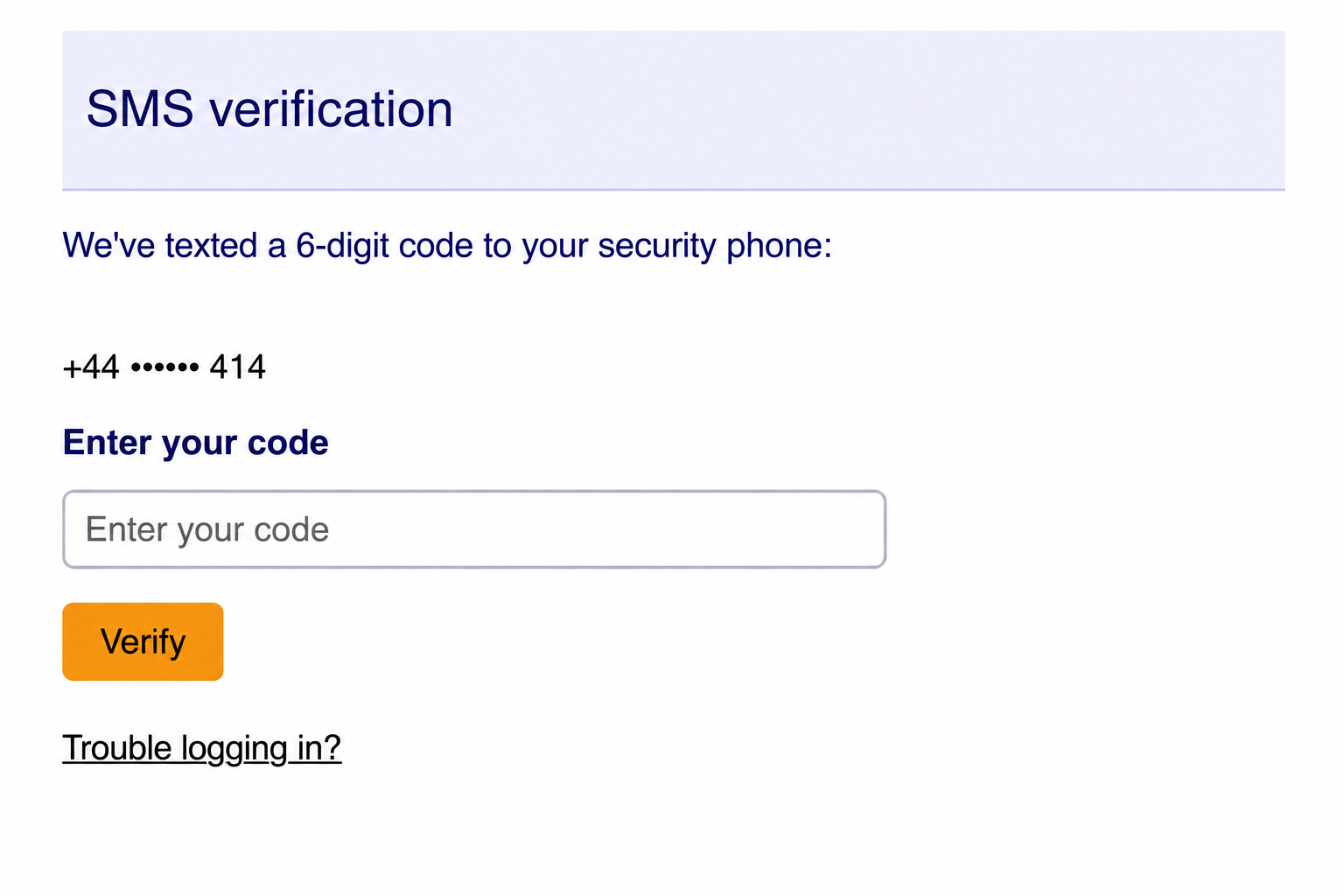
- Enter your SMS verification and verify.
- Reset your authenticator app by scanning the QR code and then enter the new code.