
Generate a support code

A guide on how a user can generate a support code from their account.
Please note
If you need to call the CJSM helpdesk, generate a support code first. Reading it out confirms that you are the account holder, and the helpdesk will then be able to help you.
Steps
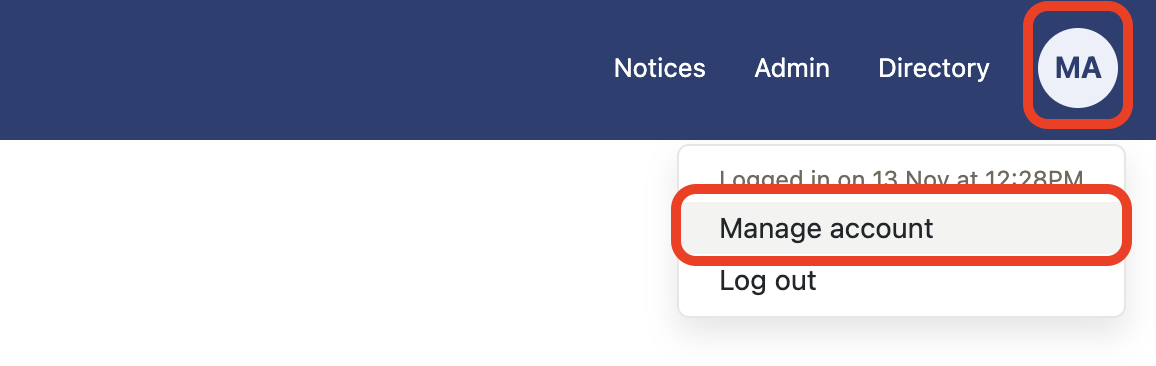
- Select Manage account from My account.
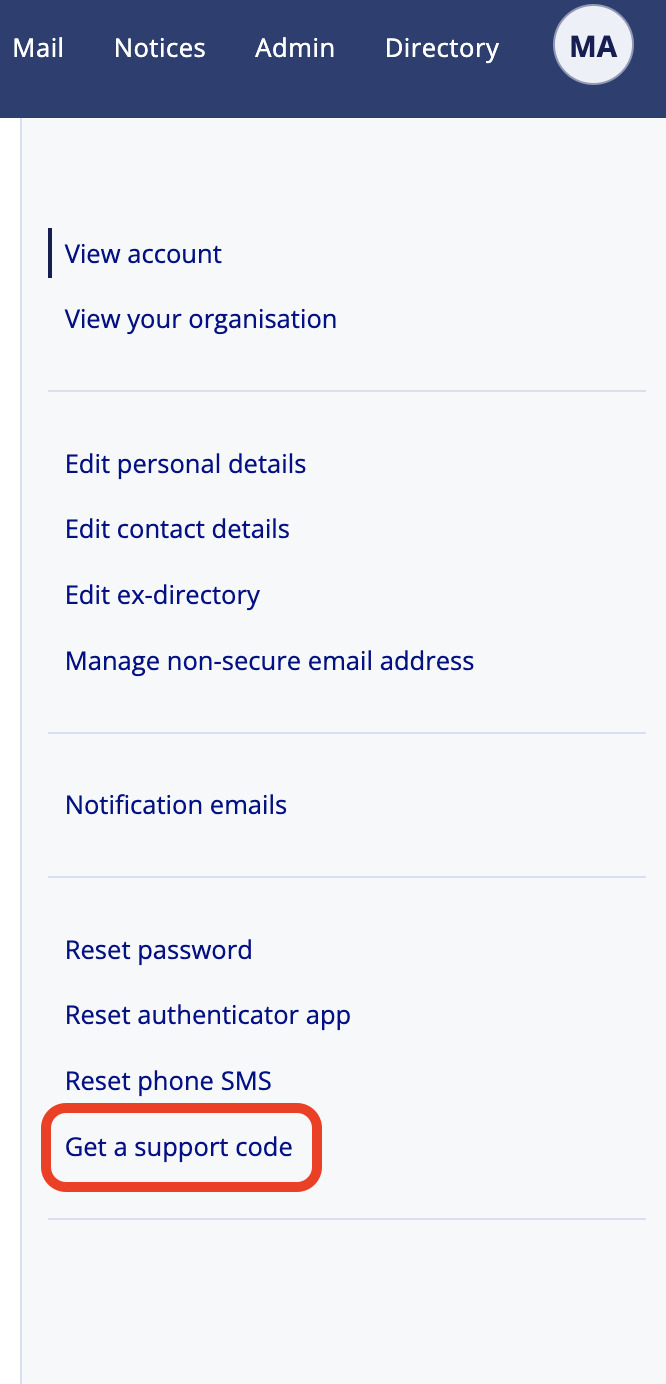
- Select Get a support code.
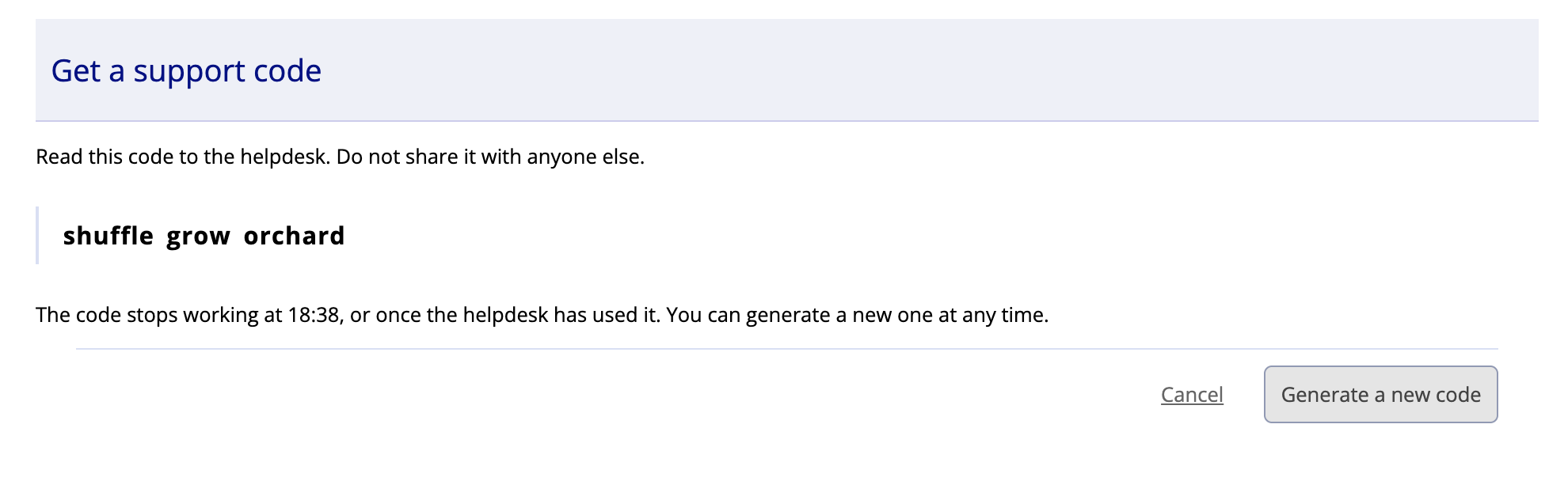
- Select the Generate support code button.
- Your code has now been generated, this code will expire within an hour or once the helpdesk has used it. You can generate a new one at any time.
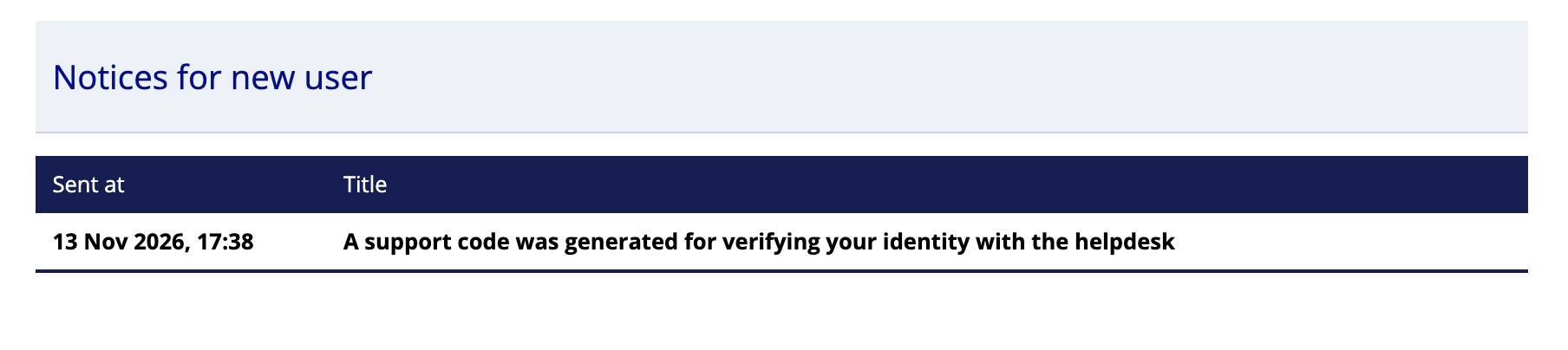
- You will receive a new Notice stating that a support code was generated on the Notices page.
- Dependant on your Notification settings (See: Managing your Notification emails help page) you may also receive an email to your Non-CJSE email address.