
How to apply for a CJSM account

This guide explains how to apply for a CJSM account.
Steps
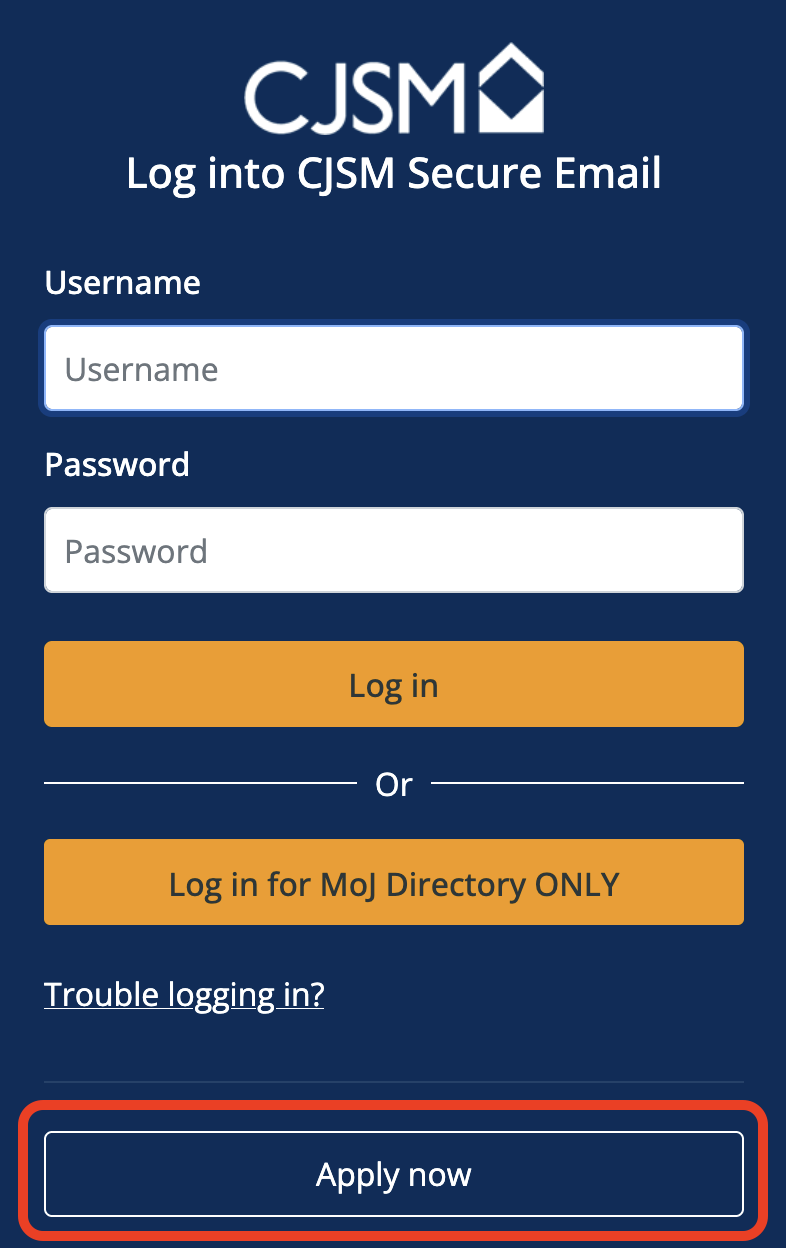
- Visit the CJSM login page: https://www.cjsm.net, and click the ‘Apply now‘ button.
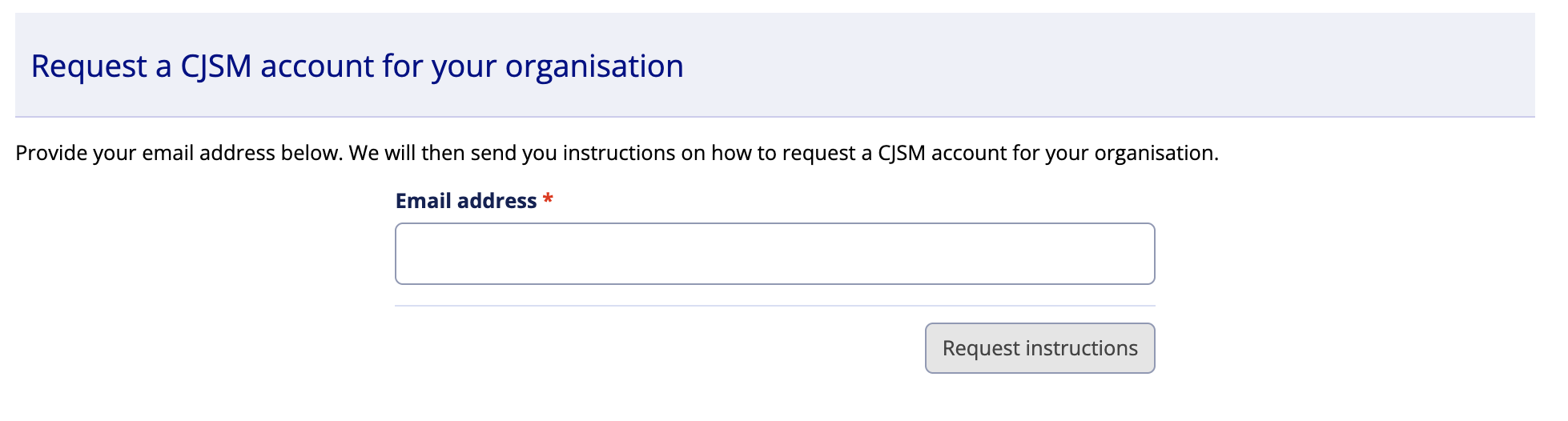
- Enter your email address and click ‘Request instructions’ button.
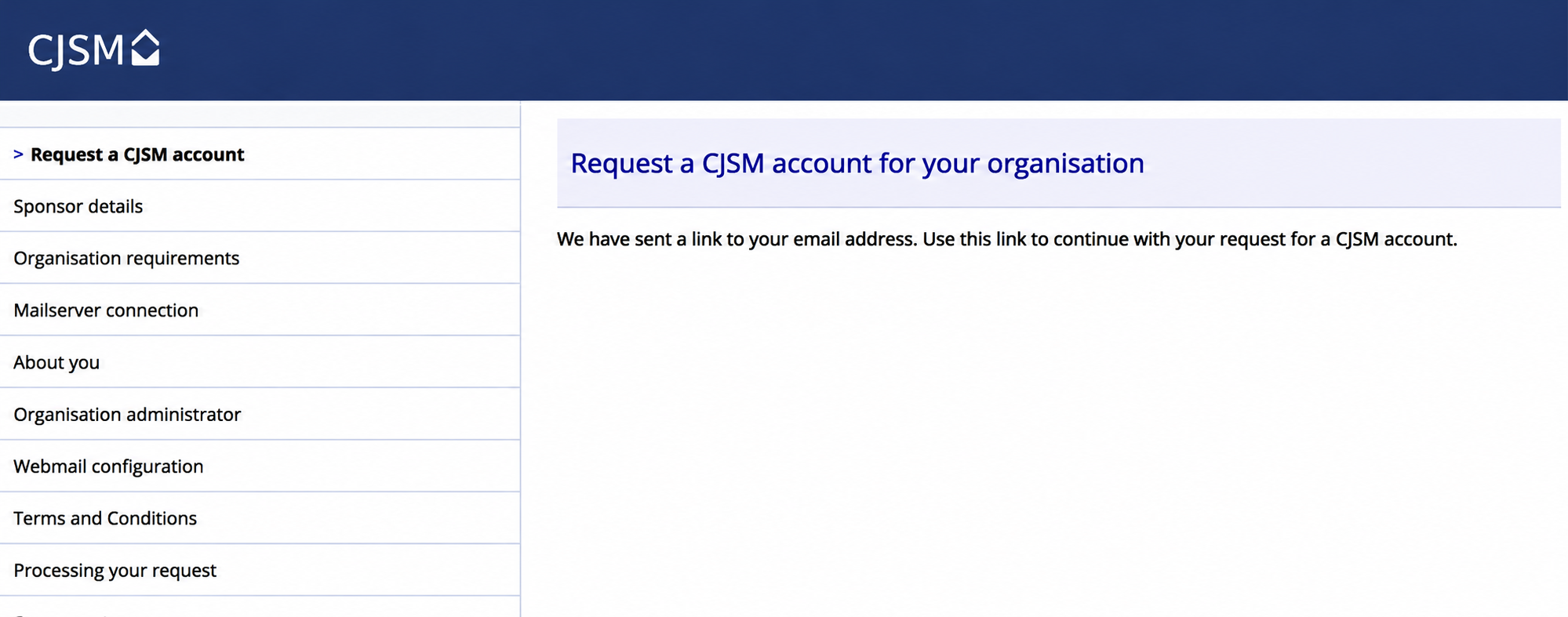
- A confirmation screen will appear.
- Check your email and follow the guidance received to complete your application.
Further information
What can I expect after I apply?
There are a few steps we will ask you to complete before your CJSM account is activated.
You need to provide
- an existing email address, and check whether your organisation is already connected to CJSM
- contact information, and details of someone within your organisation who will act as the Organisation Administrator for CJSM
- an application sponsor from the police, central government or the NHS, this should be an organisation that you need to be sharing information with
- signed terms and conditions
You need to choose what type of account suits you best
You can choose between a server (SMTP/Cloud Gateway) or a mailbox connection.
Server connection (SMTP/Cloud Gateway)
Your IT department will need to configure this and your nominated CJSM admin will create user accounts.
When this is set up, you just keep using your existing, non-CJSM account. The only difference is that it will have ‘.cjsm.net’ added to the end of your email address when you send and receive to and from CJSM users. Add your text here.
Mailbox connection
Your nominated CJSM admin will set up user accounts and passwords You’ll be asked to change the password when you first login. You’ll then have full access to CJSM via the web.