
Setting up your new CJSM account

A guide on how to set-up a new CJSM account.
Steps
- Open the New account email you have received in to your non-CJSM email inbox, and click the link to set your account credentials.
- Enter your chosen password and confirm it. Please take note of the password requirements.
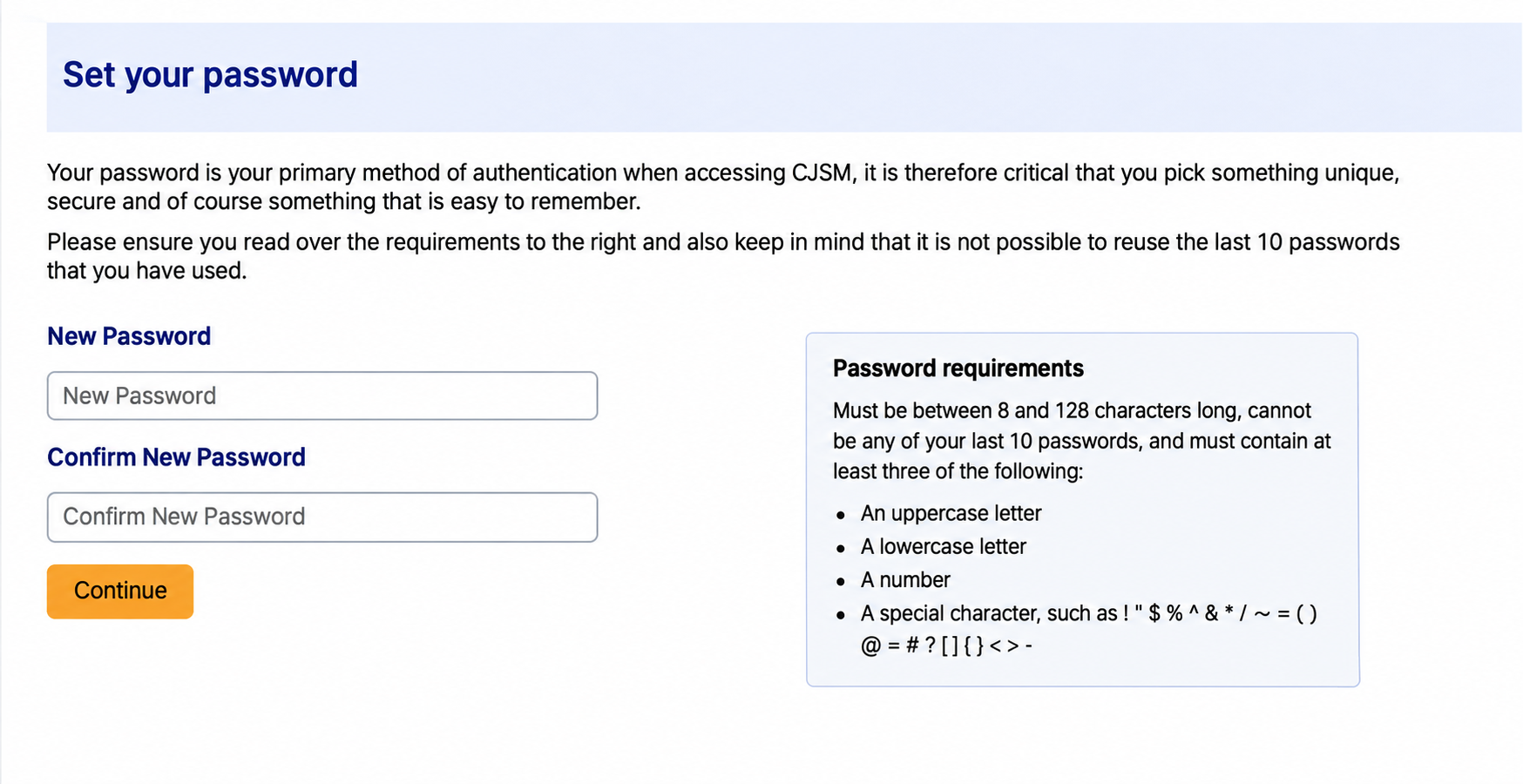
- Set up up an authenticator app if possible: You can download the Microsoft Authenticator app or use any other authenticator app of your choice. Scan the QR code and enter the code provided from the app.
- Add another way to log in (SMS) select continue
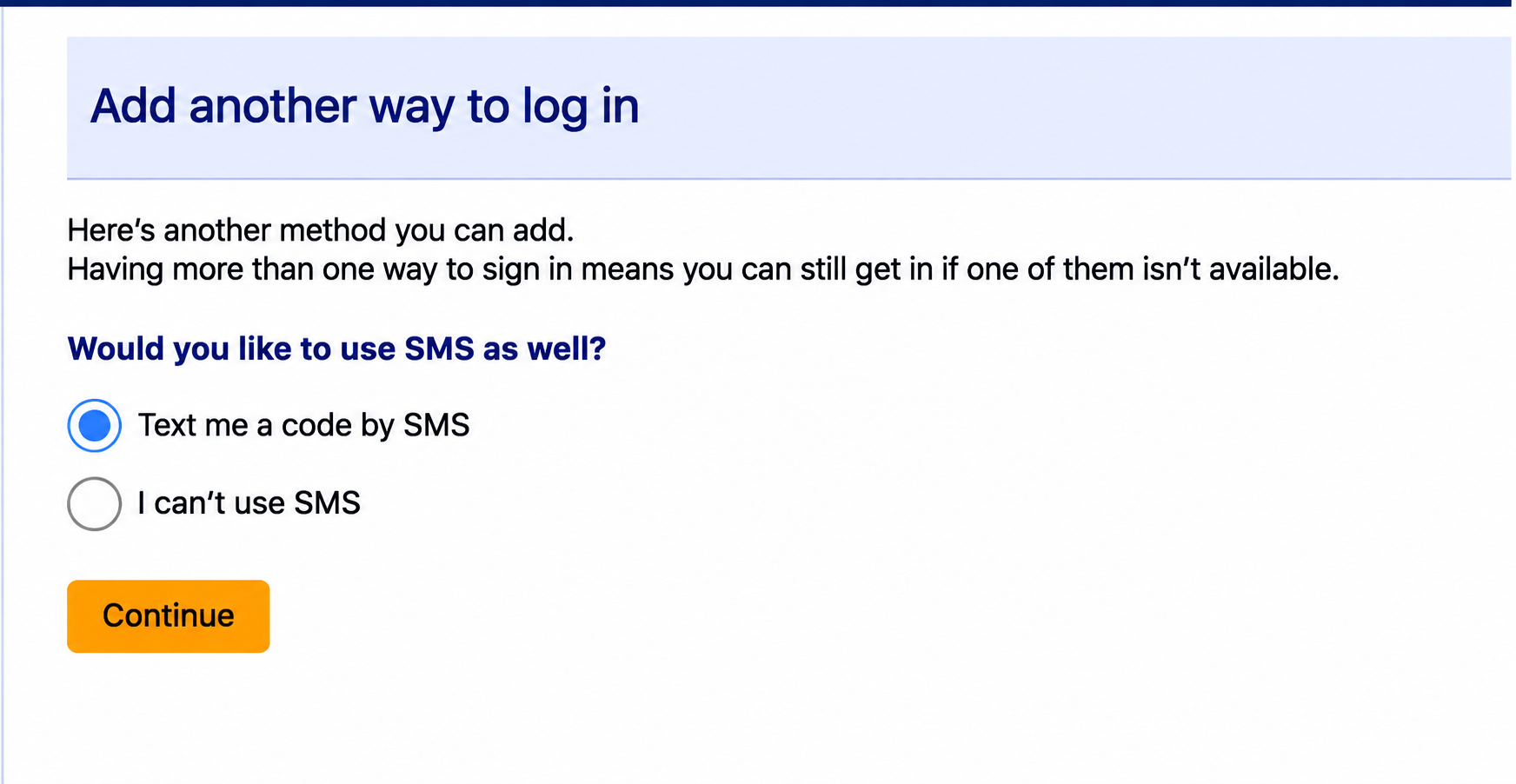
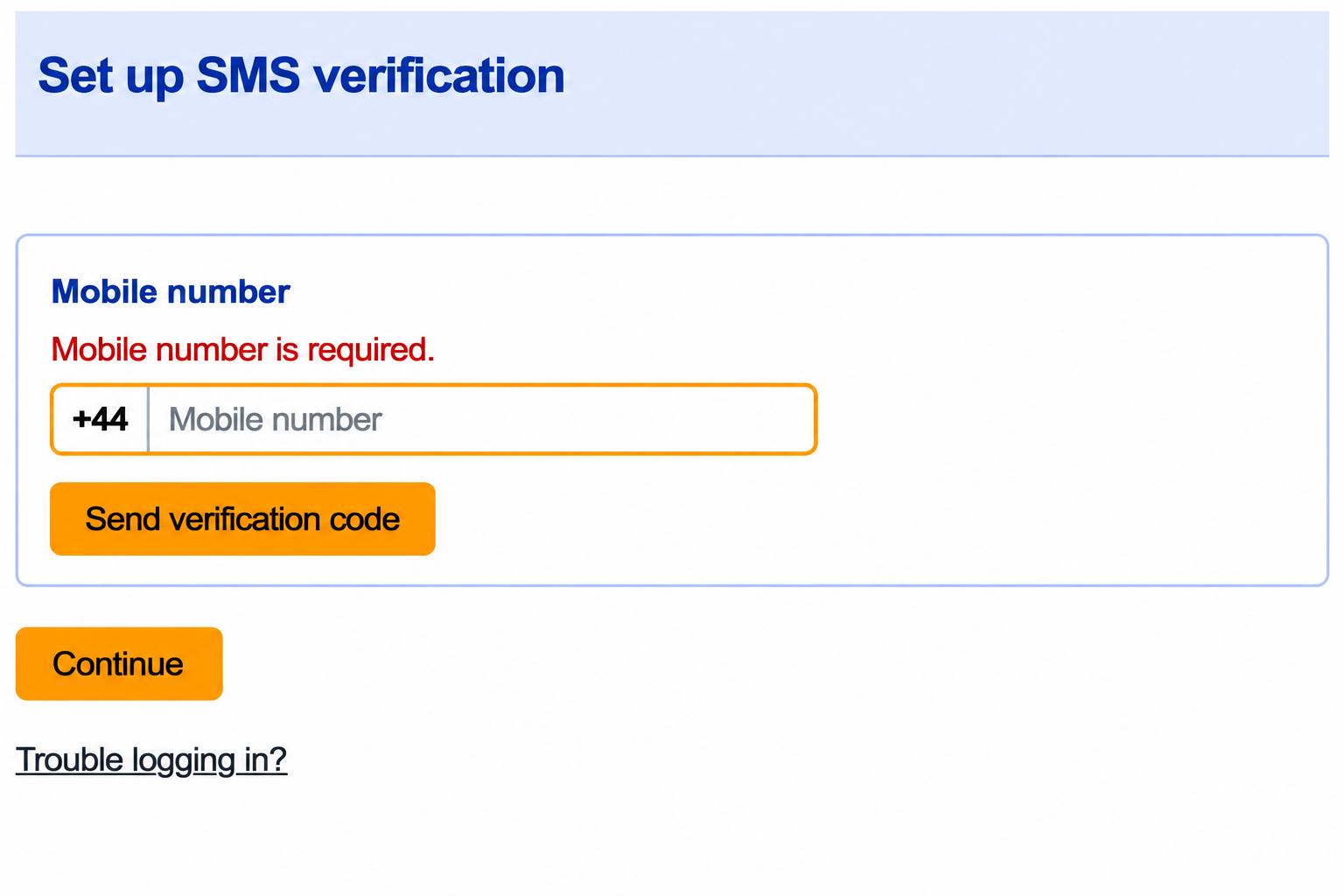
- Add a Mobile number and send verification code, enter your code and verify.
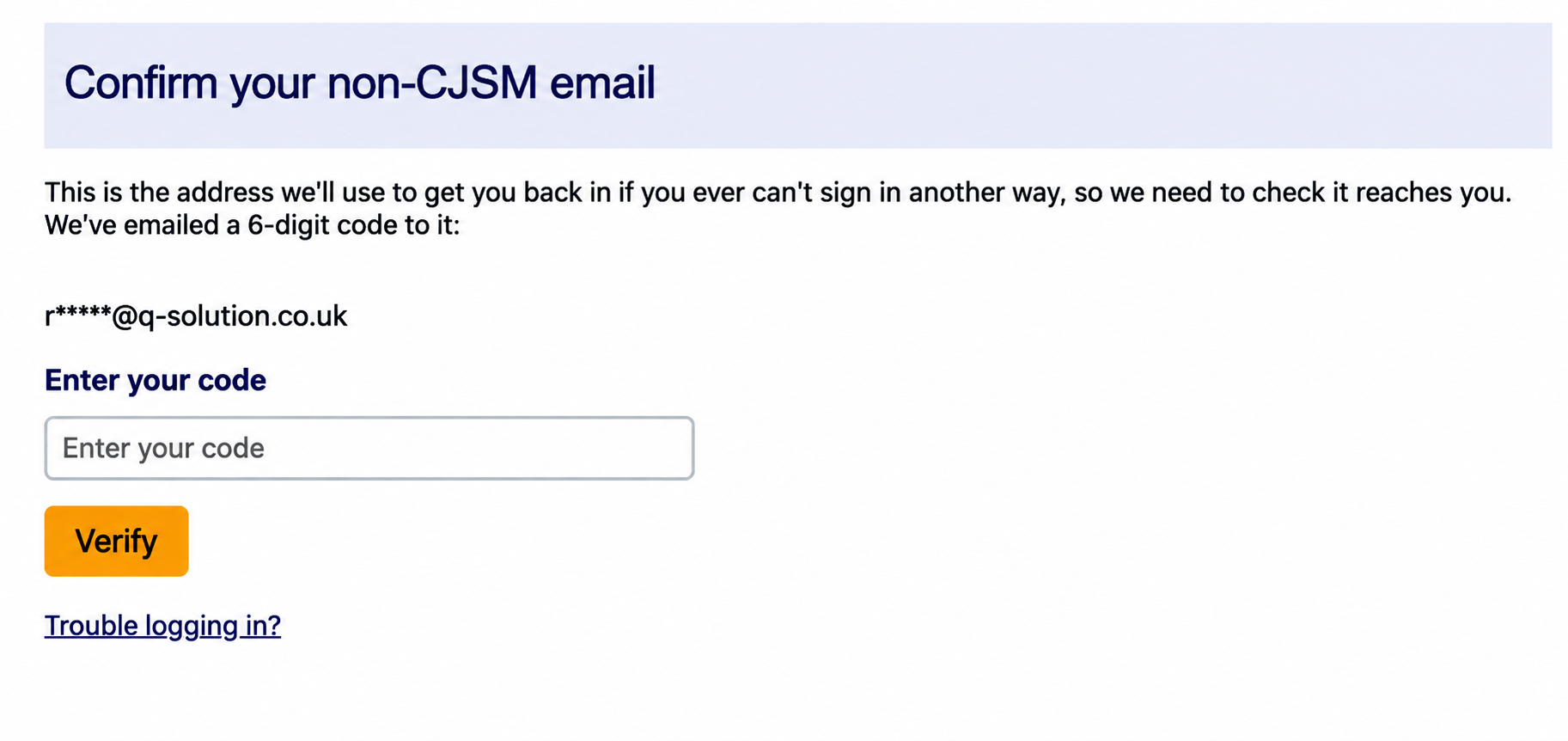
- Confirm your non-CJSM email address
- Continue to log in.
- You can now log in using your Username, Password and MFA code to access CJSM