
How to search for an organisation

A guide on how a Webmail or Directory user can search for an organisation within CJSM through the Directory.
Steps
- Login to webmail.
- In the top right hand, select the Directory.

- Select Organisations
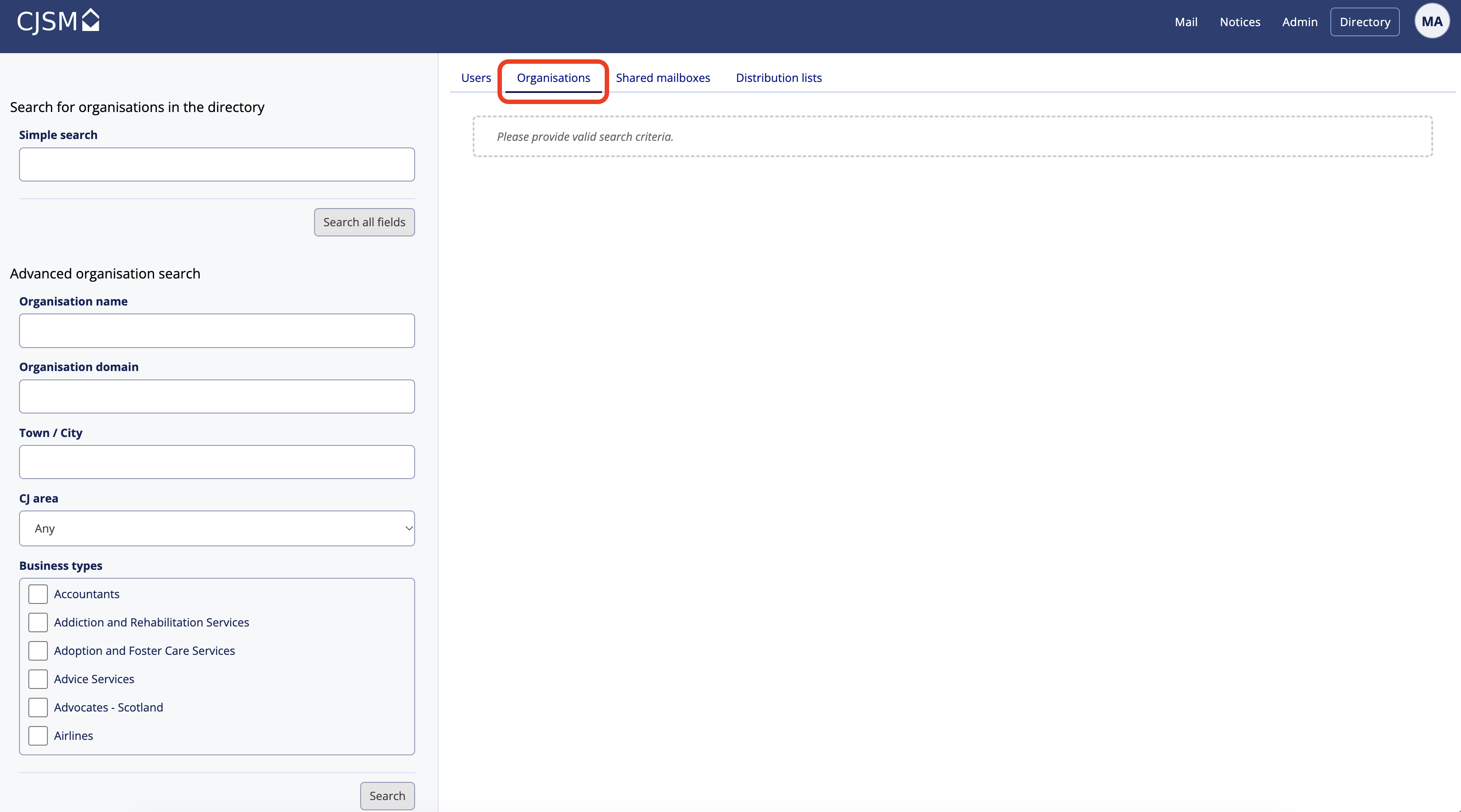
- The user is then presented with the search screen enabling them to search for Organisations within CJSM. The search facility prioritises results with the most relevant result at the top. Note that this includes only those Organisation that are NOT ex-directory. Users can enter a simple search that will look for a string anywhere in an organisations record or specific strings such as Town/city
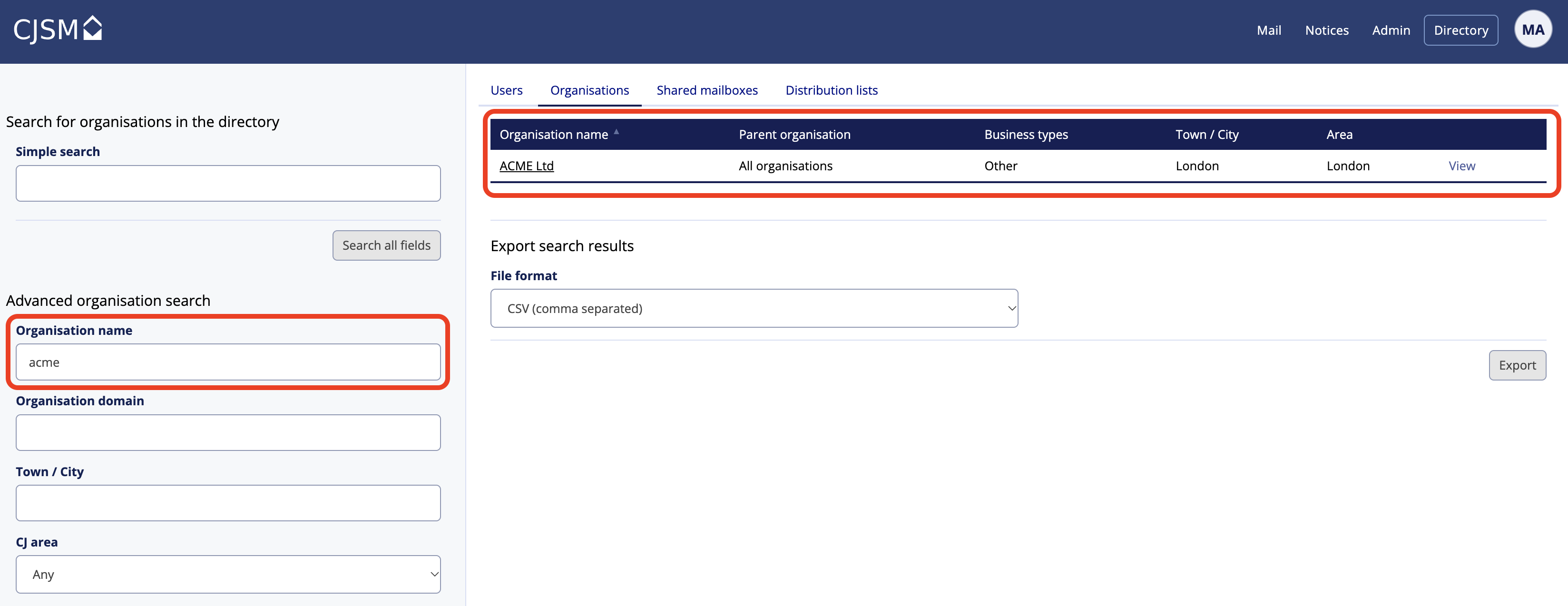
- The user is then able to Sort by Organisation name