
How to search for a user

A guide on how a Webmail or Directory user can search for a registered user within CJSM through the Directory.
Steps
- Login to webmail.
- In the top right hand, select the Directory.

- The user is then presented with the default search screen enabling them to search for users of CJSM. The search facility prioritises results with the most relevant result at the top.
Note
This includes only those users that are NOT ex-directory.
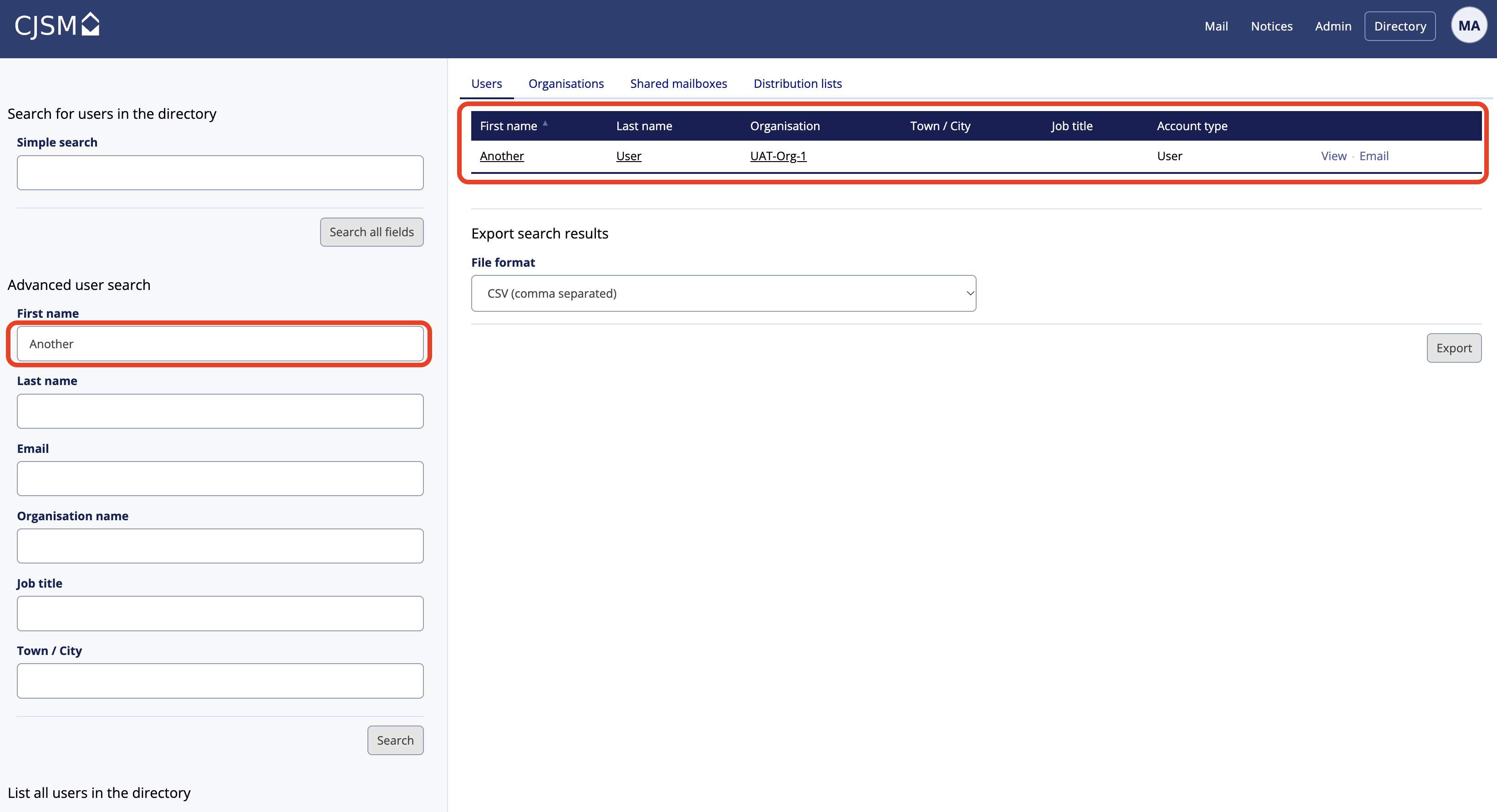
- The user is then able to sort by First name and Last name.