Using the address book

The Address book contains collected addresses and contacts added by the user, import or sharing, these can be exported or shared with other users.
Steps
- Select Address Book.
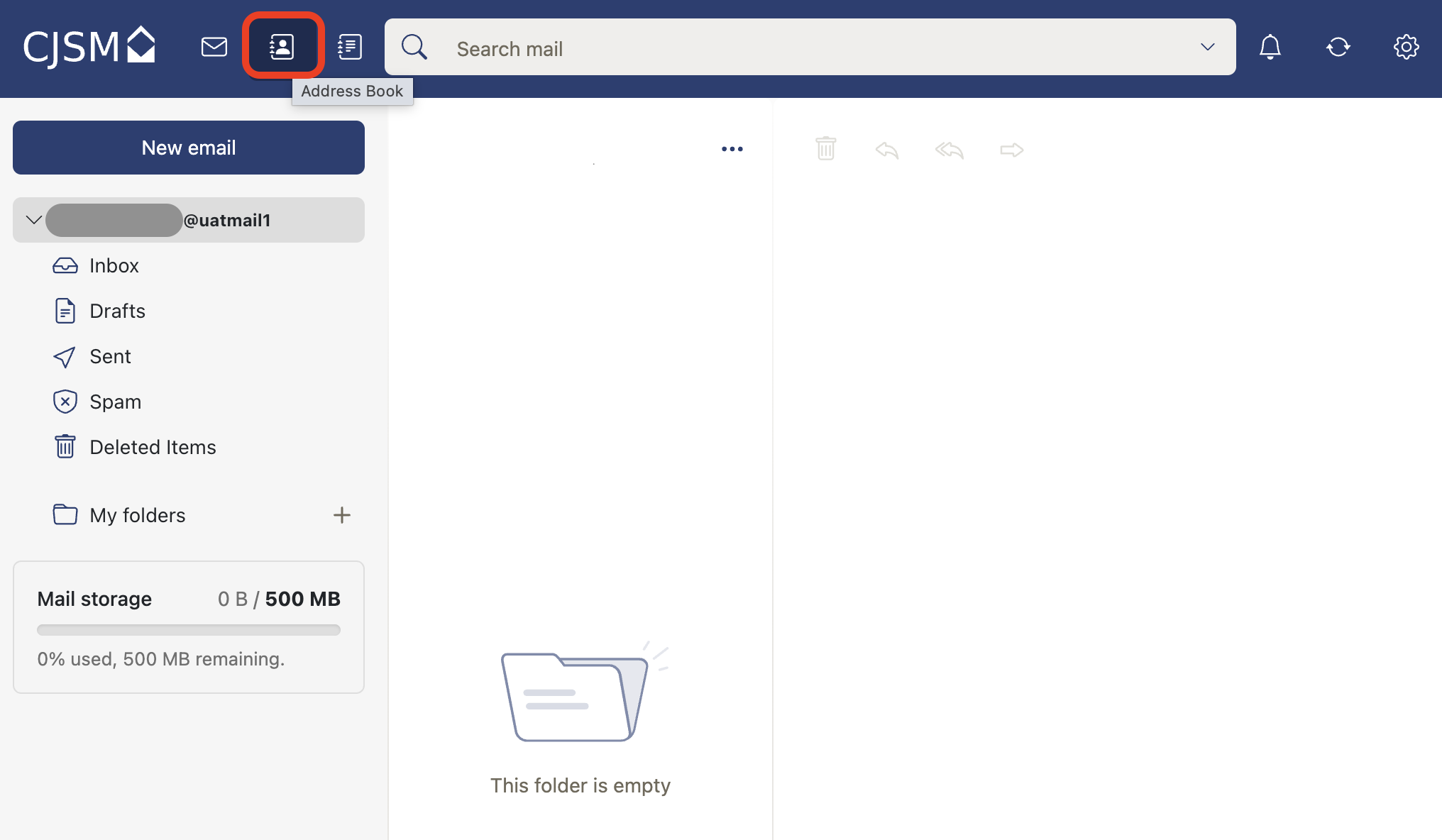
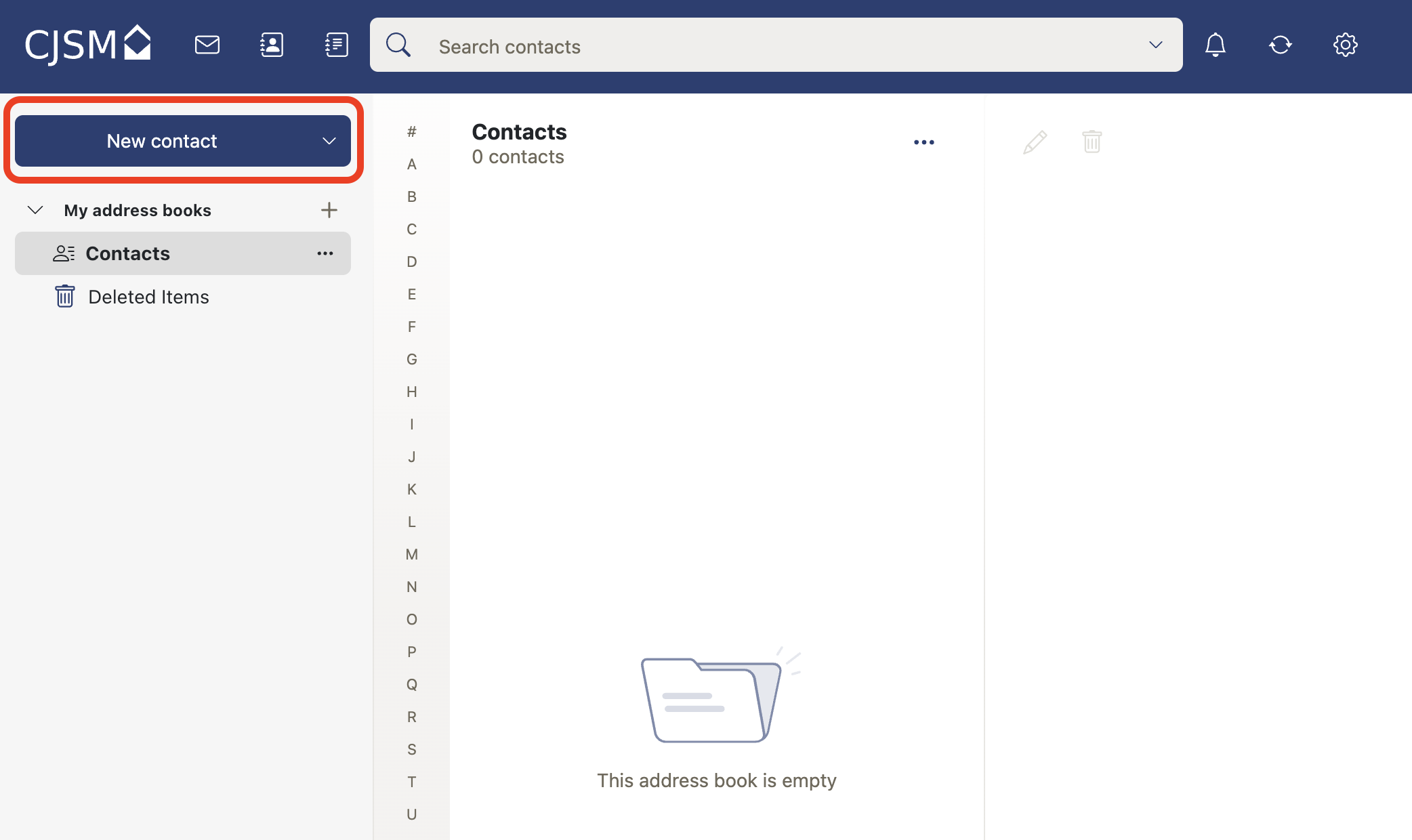
- Add a new contact using the New contact button.
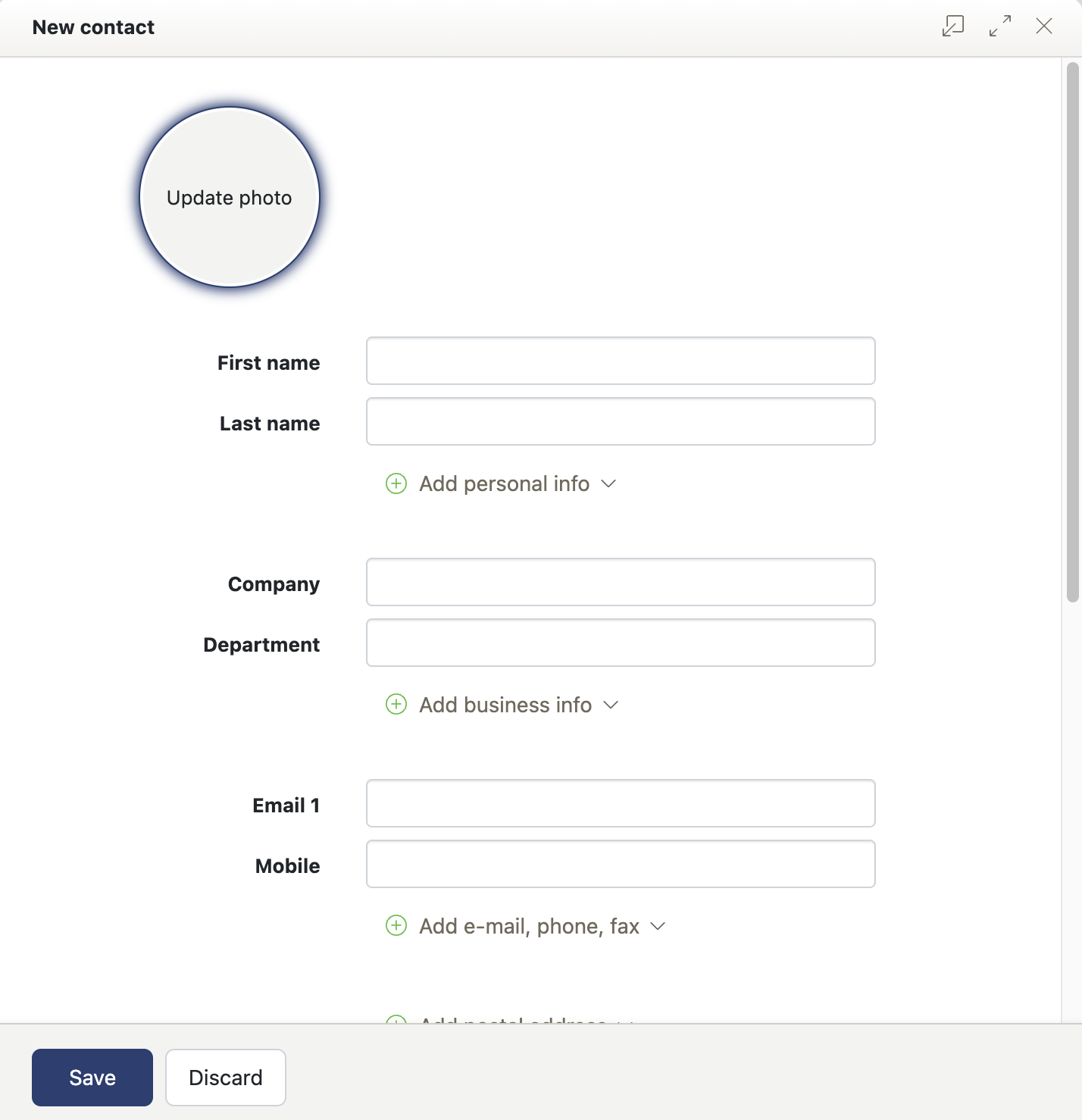
- Enter the contact details into the New contacts popup and select Save button.
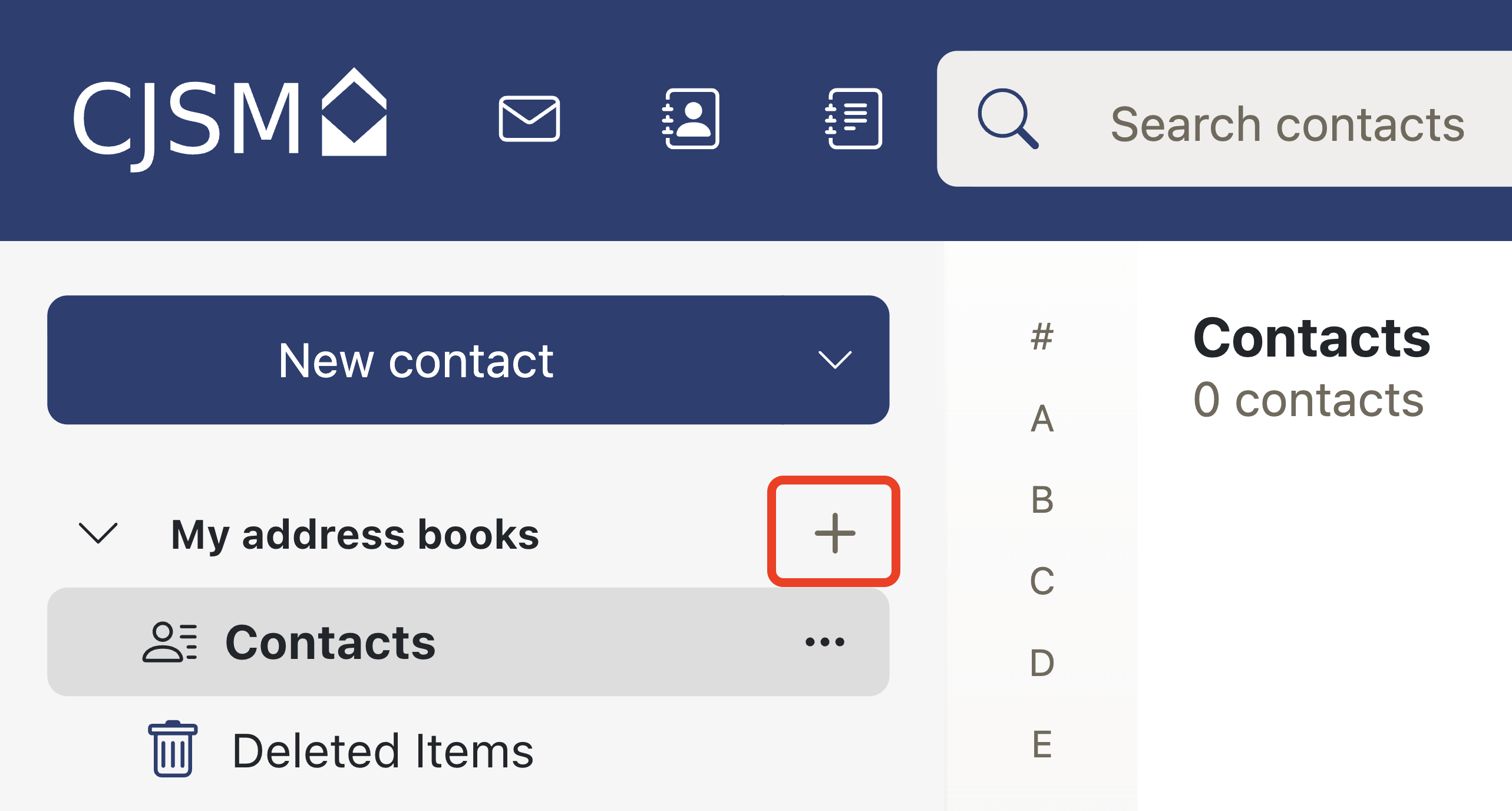
- Add a new address book folder to group contacts as needed.
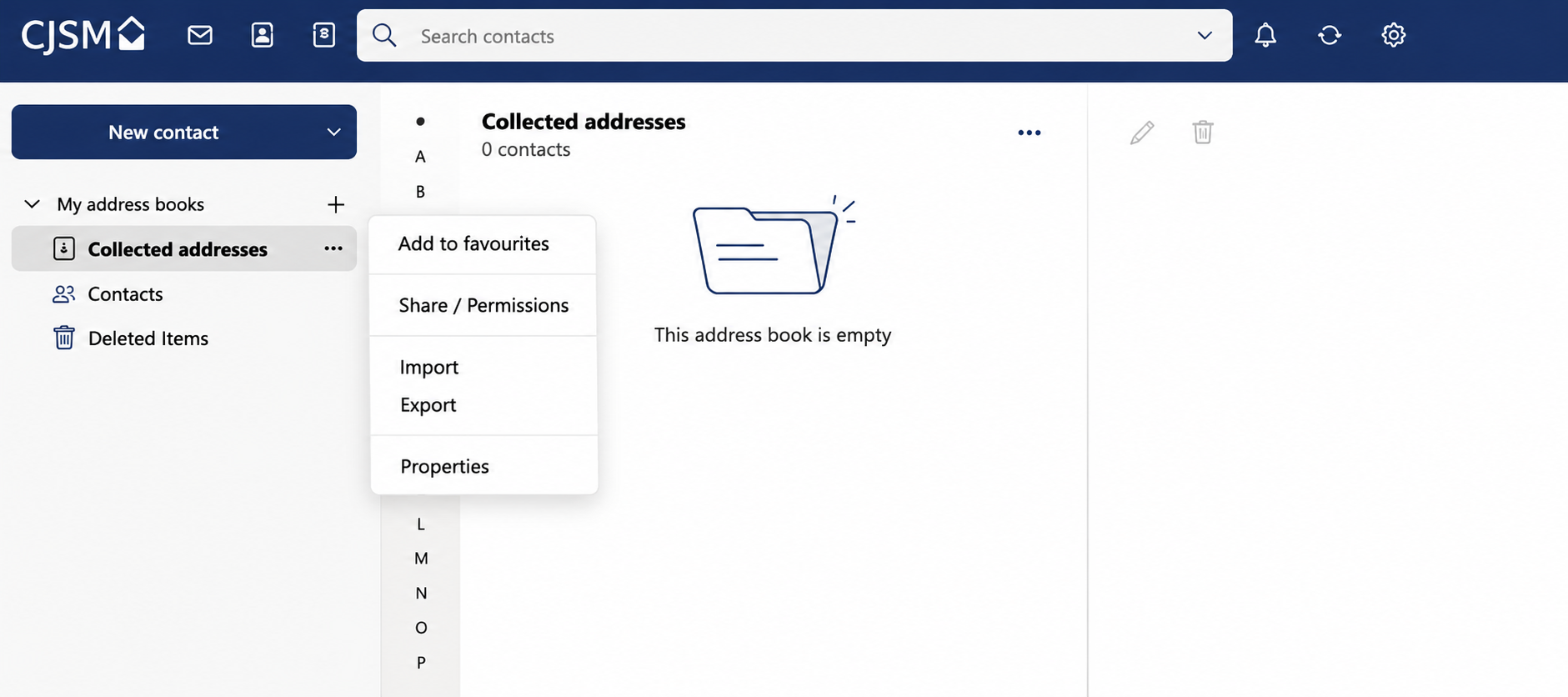
- Collected addresses, select the 3 dots.
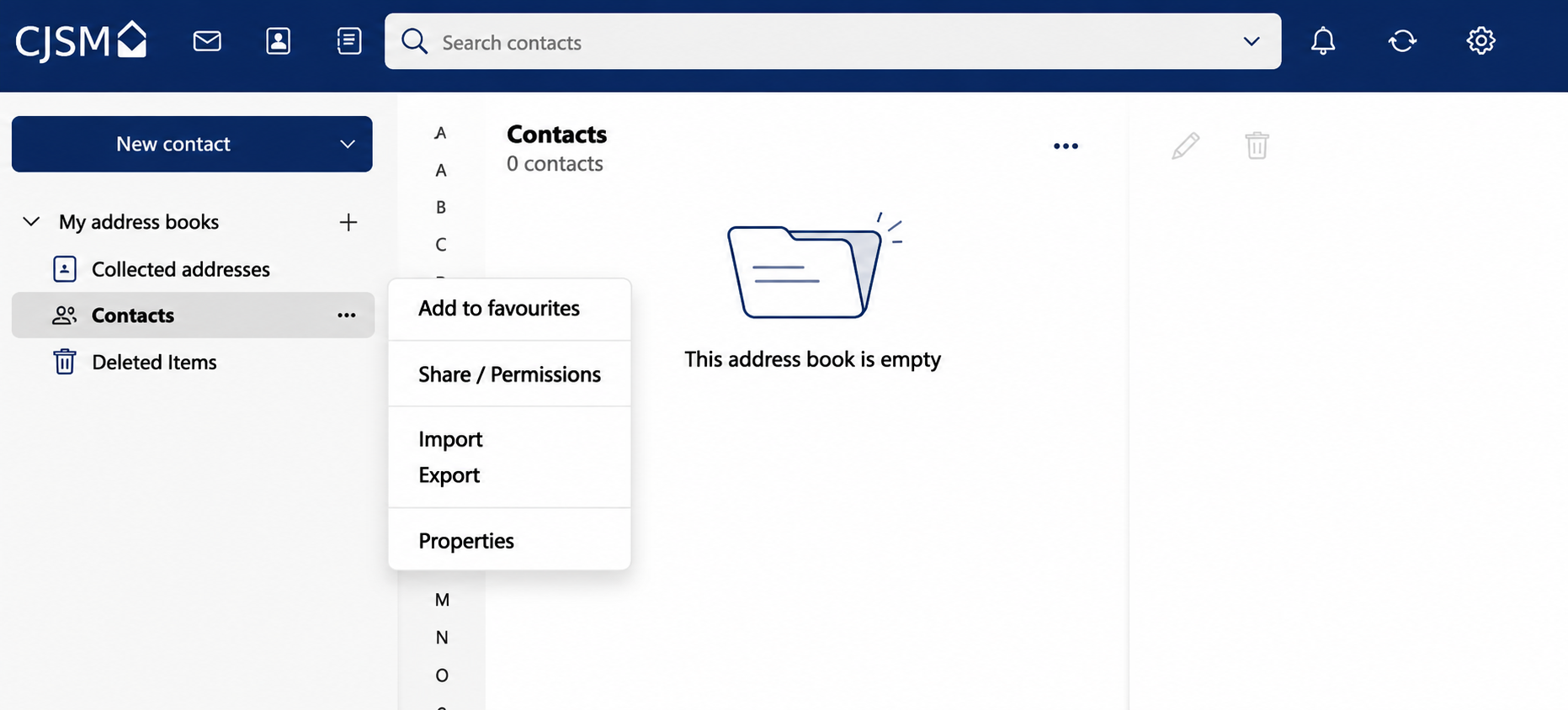
- Contacts, select the 3 dots.
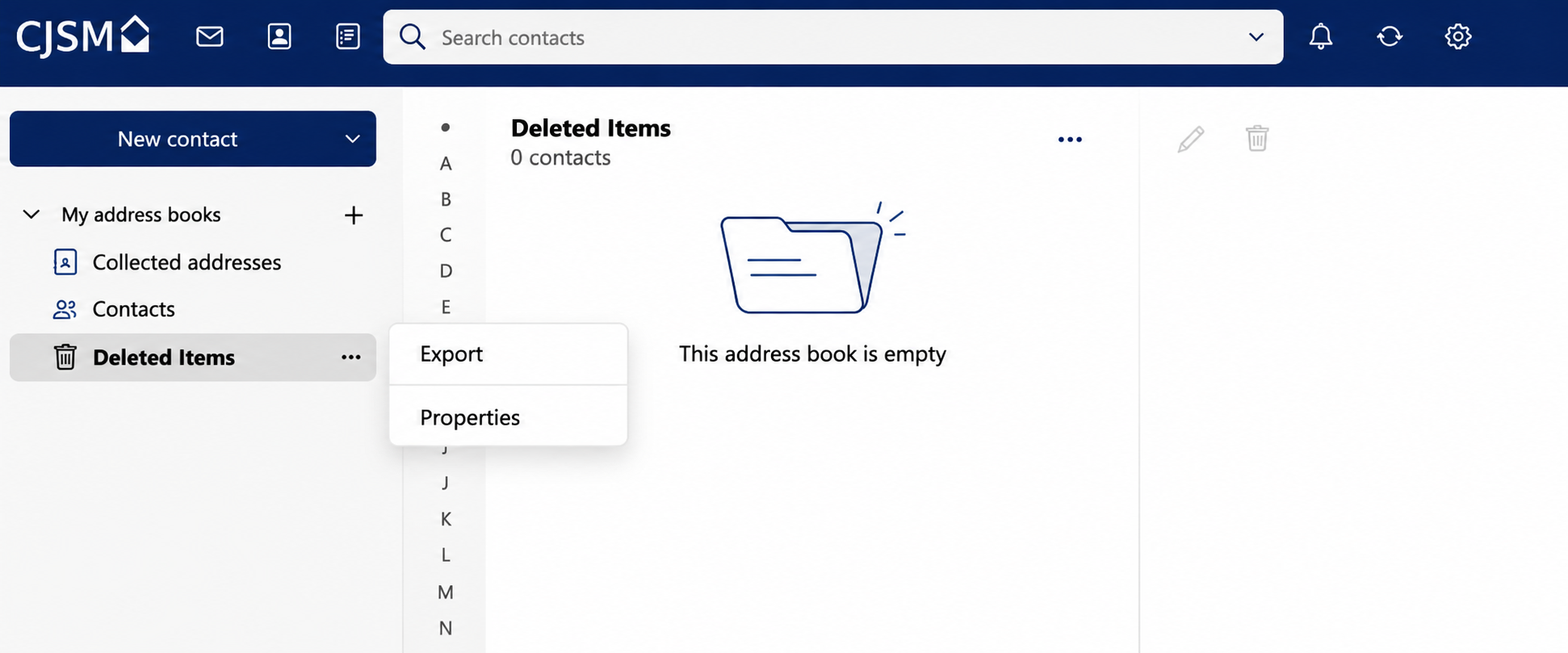
- Deleted Items, select the 3 dots.
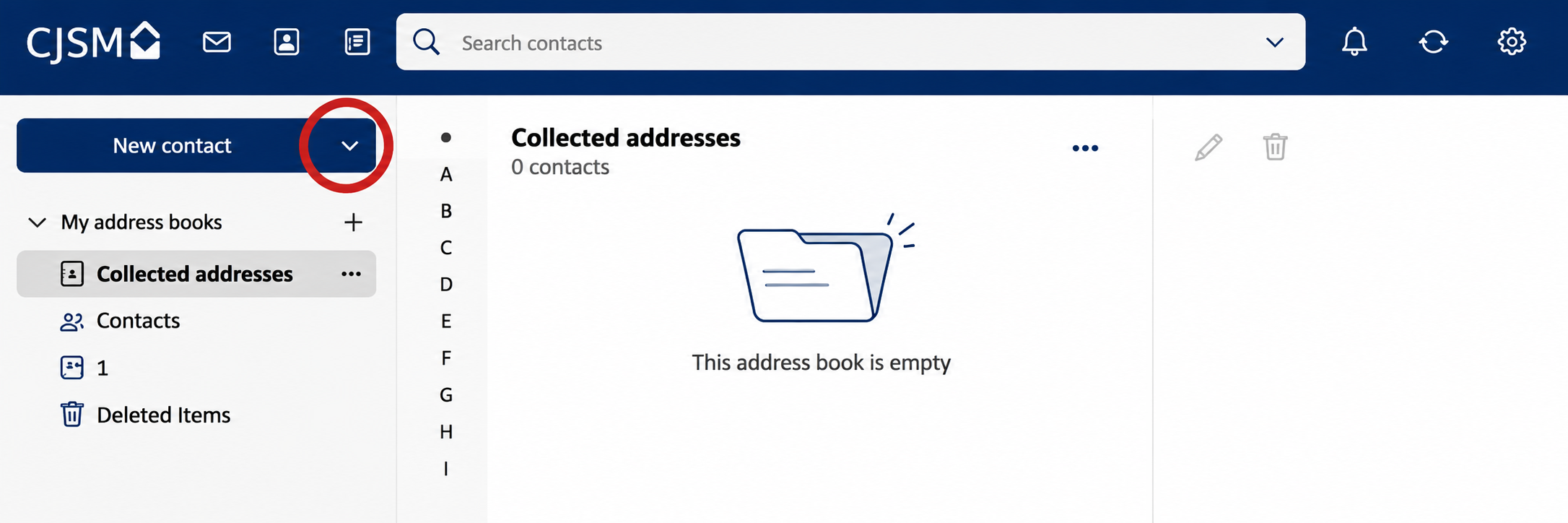
- To add a new contact group select more actions from the new contact button.
- The Contact Group window is displayed.
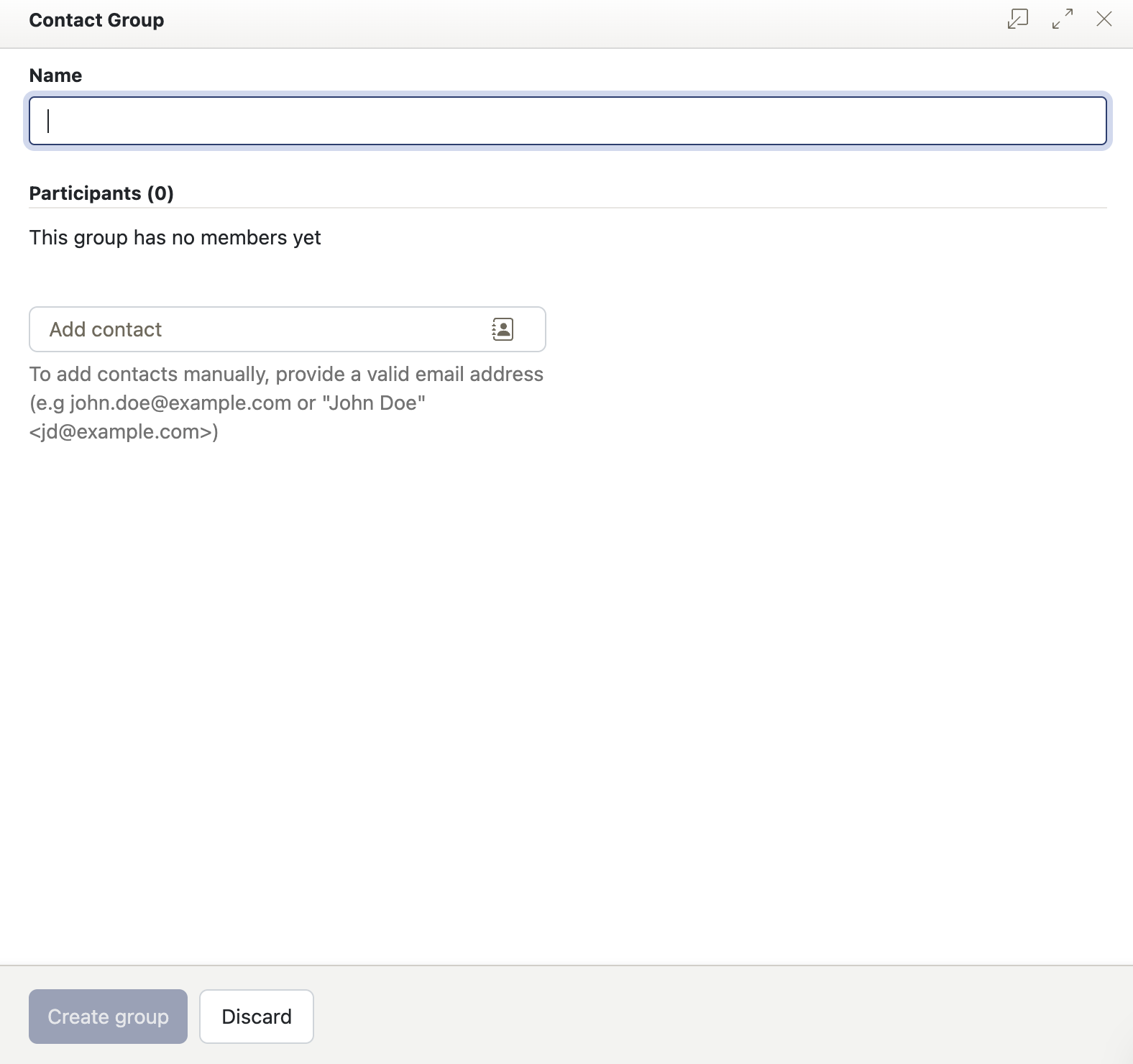
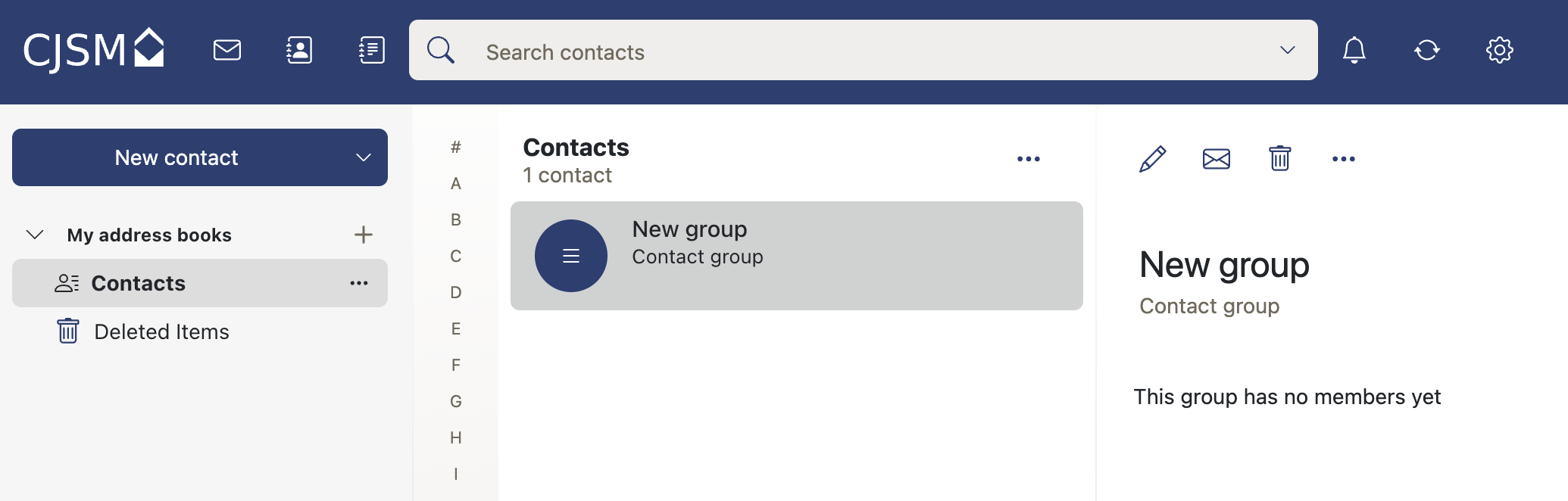
- Here you can add a name for the group and contact email addresses to create the group.
- The Group will then be added to your collected addresses.
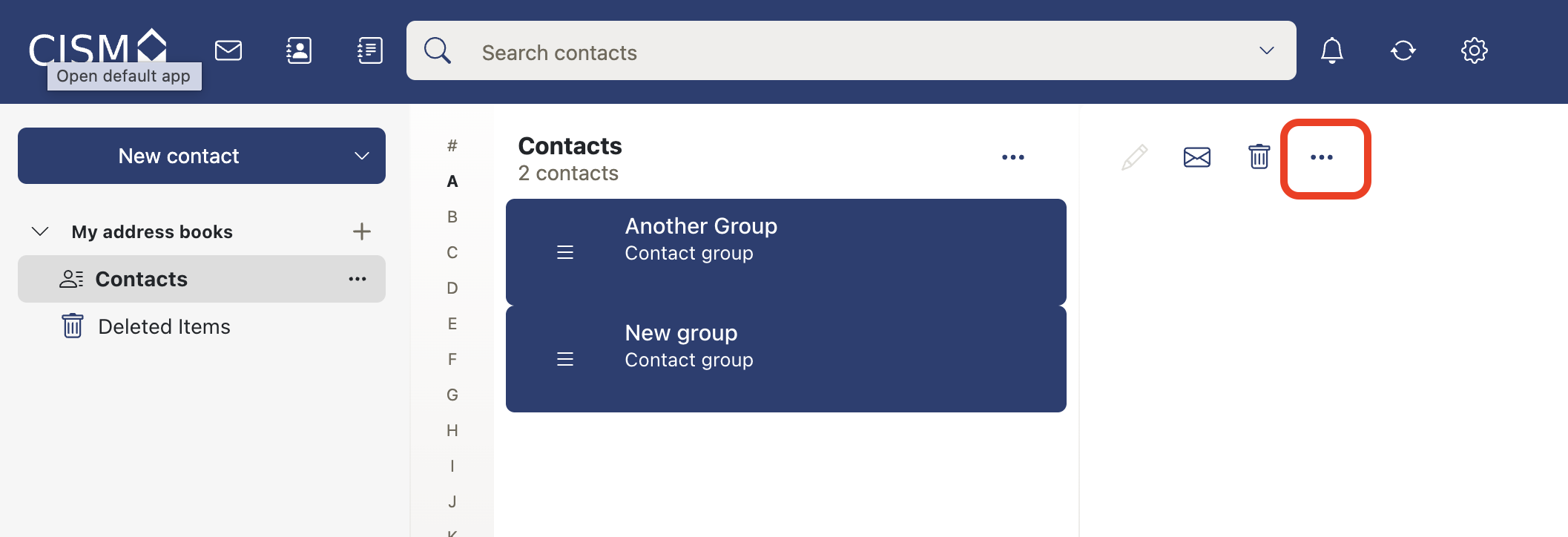
- In order to export addresses select the required addresses from the list.
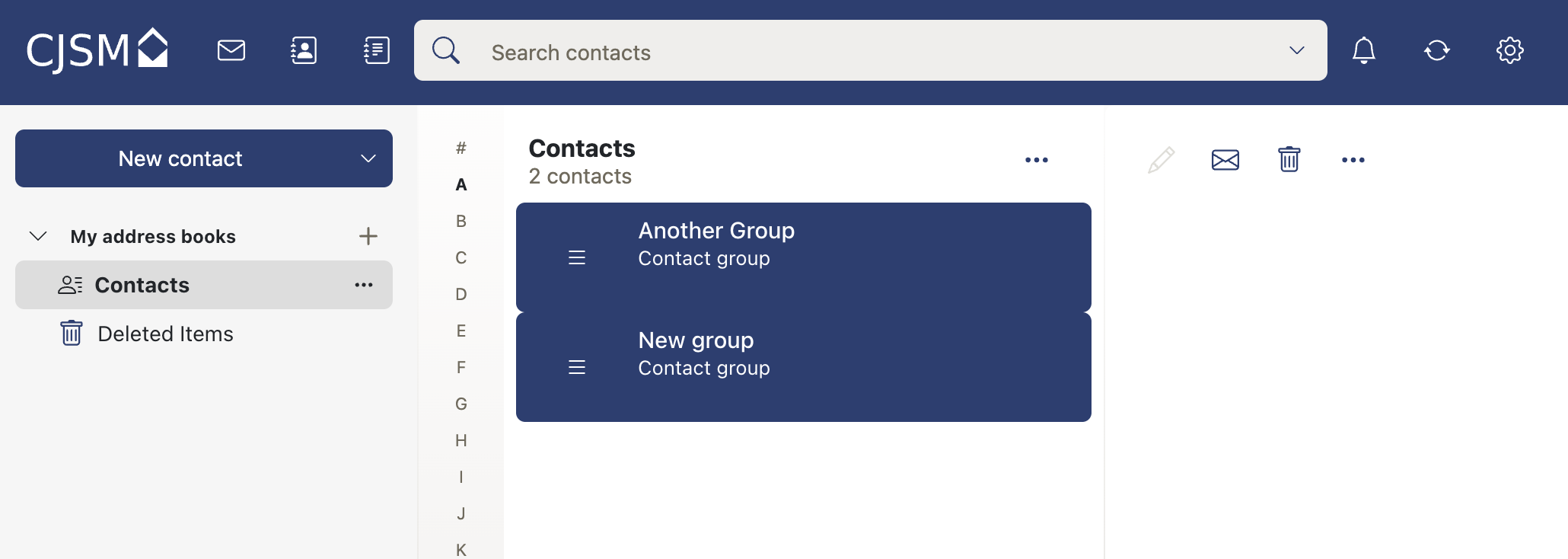
- Select the 3 dots.
- Select export.
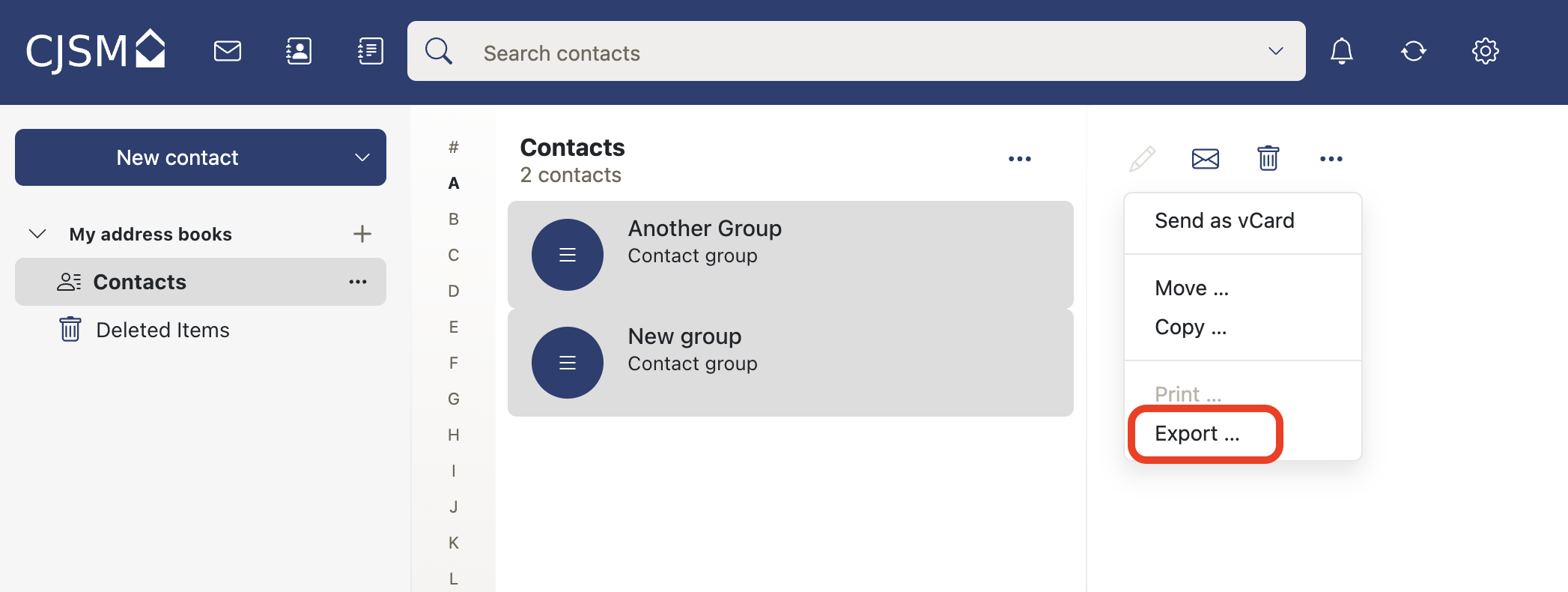
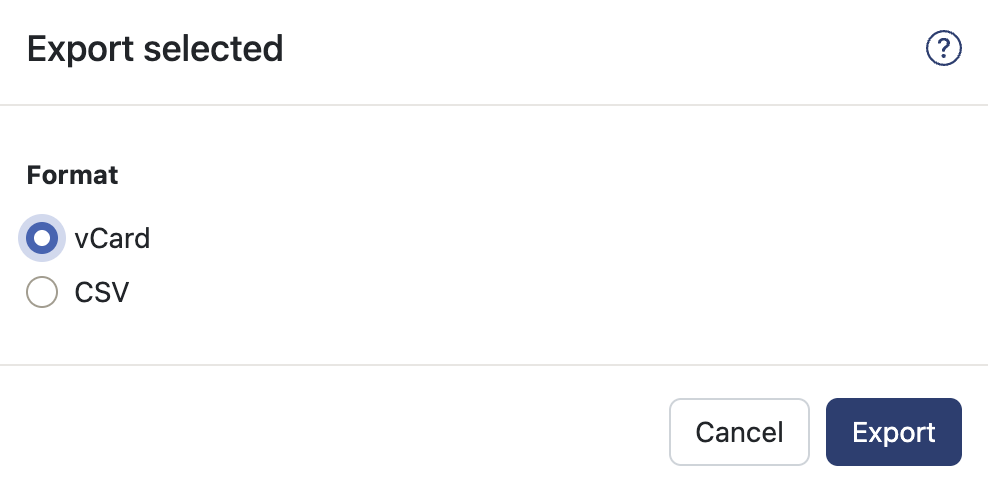
- Select format and export button to export.